





 , please spend more than £50


Direct answer: The GPD BOX is GPD’s first GPD Mini PC: a compact Windows 11 desktop built on Intel Panther Lake, available with either the Core Ultra X7 358H and Intel Arc B390 graphics for the strongest integrated GPU option, or the Core Ultra 7 356H with MCIO 8i for high-bandwidth external GPU expansion. Every configuration includes 32GB LPDDR5X-8533 memory, NVMe storage options from 1TB to 4TB, dual USB4 v2, dual 2.5GbE, Wi-Fi 7, Bluetooth and Windows 11.
GPD Box: the first GPD Mini PC for serious desktop workloads
The GPD Box takes the brand’s portable-performance DNA and puts it into a compact desktop format for creators, developers, network-heavy users and gaming enthusiasts. Instead of building another low-power office box, GPD has built an Intel Panther Lake Mini PC around a configurable 15-80W TDP, fast LPDDR5X memory, modern display outputs and exceptional external expansion.
For everyday use, that means you can run Windows 11 desktop software, browser-heavy workflows, creative applications, coding tools, game launchers and media setups from a system that occupies a fraction of the space of a tower PC. For enthusiasts, the appeal is the choice: choose the Core Ultra X7 358H configuration when you want the most capable integrated graphics in the family, or choose the Core Ultra 7 356H configuration when your priority is an MCIO 8i eGPU Mini PC with PCIe 5.0 x8 eGPU bandwidth.
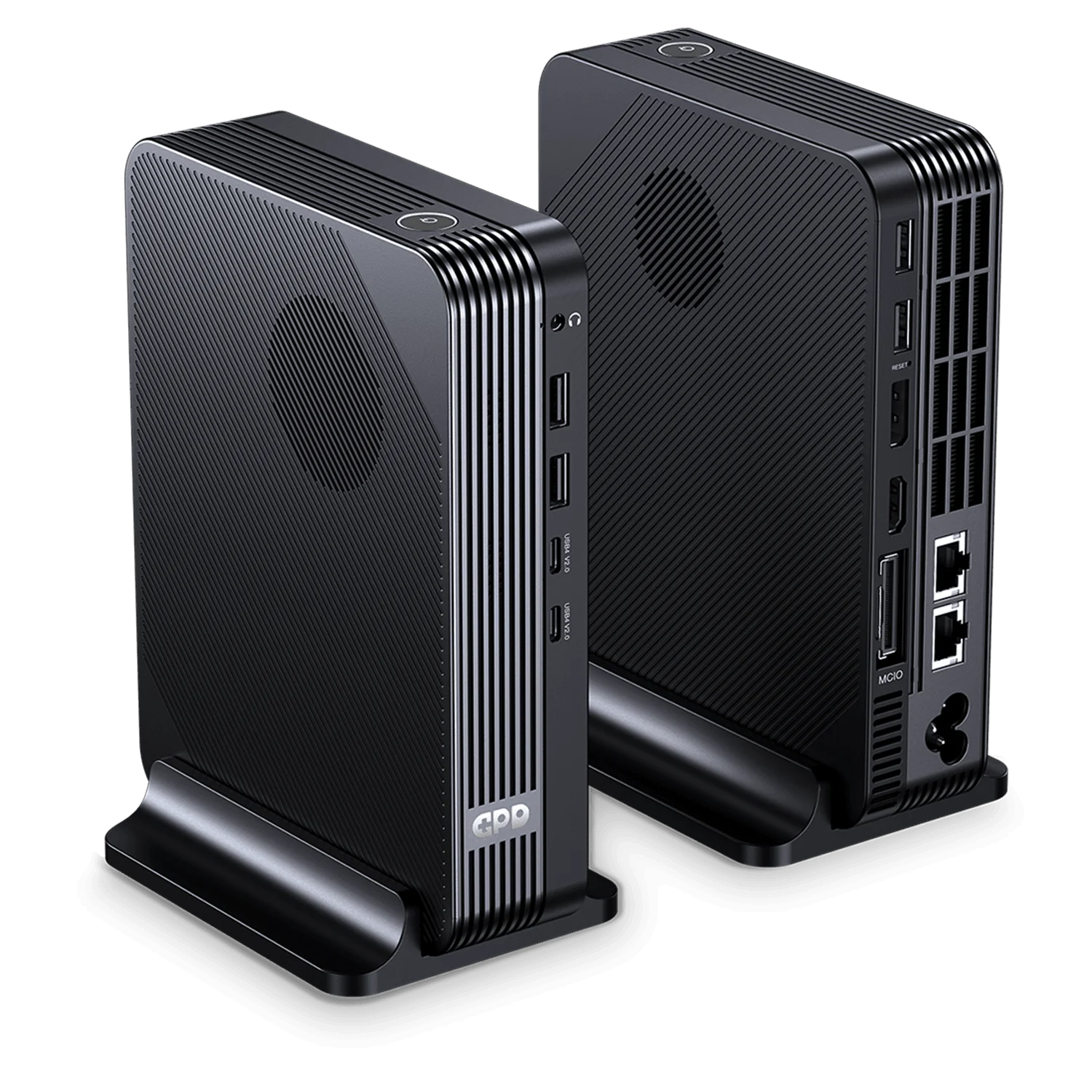
This is a parent product family, so you can select the configuration that fits your work. Processor options include Intel Core Ultra X7 358H with up to 4.8 GHz turbo frequency, or Intel Core Ultra 7 356H with up to 4.7 GHz turbo frequency. Storage options include 1TB, 2TB or 4TB NVMe, while every model shares 32GB LPDDR5X-8533 memory, a 16-core / 16-thread CPU design, HDMI 2.1, DisplayPort 2.1, two USB4 v2 ports, four USB 3.2 Gen 2 Type-A ports, dual 2.5GbE, Wi-Fi 7 and Bluetooth.
- First-of-its-kind for GPD: GPD’s first mini PC, designed as a compact desktop rather than a handheld.
- Two performance paths: choose stronger integrated graphics or high-bandwidth eGPU expansion.
- Modern Windows ecosystem: Windows 11 supports desktop apps, PC game stores, professional tools and peripherals.
- Built for bandwidth: USB4 v2, dual 2.5GbE, HDMI 2.1 and DisplayPort 2.1 make it a powerful hub.
- DROIX UK confidence: buy from DROIX UK with official warranty support and fast UK dispatch.
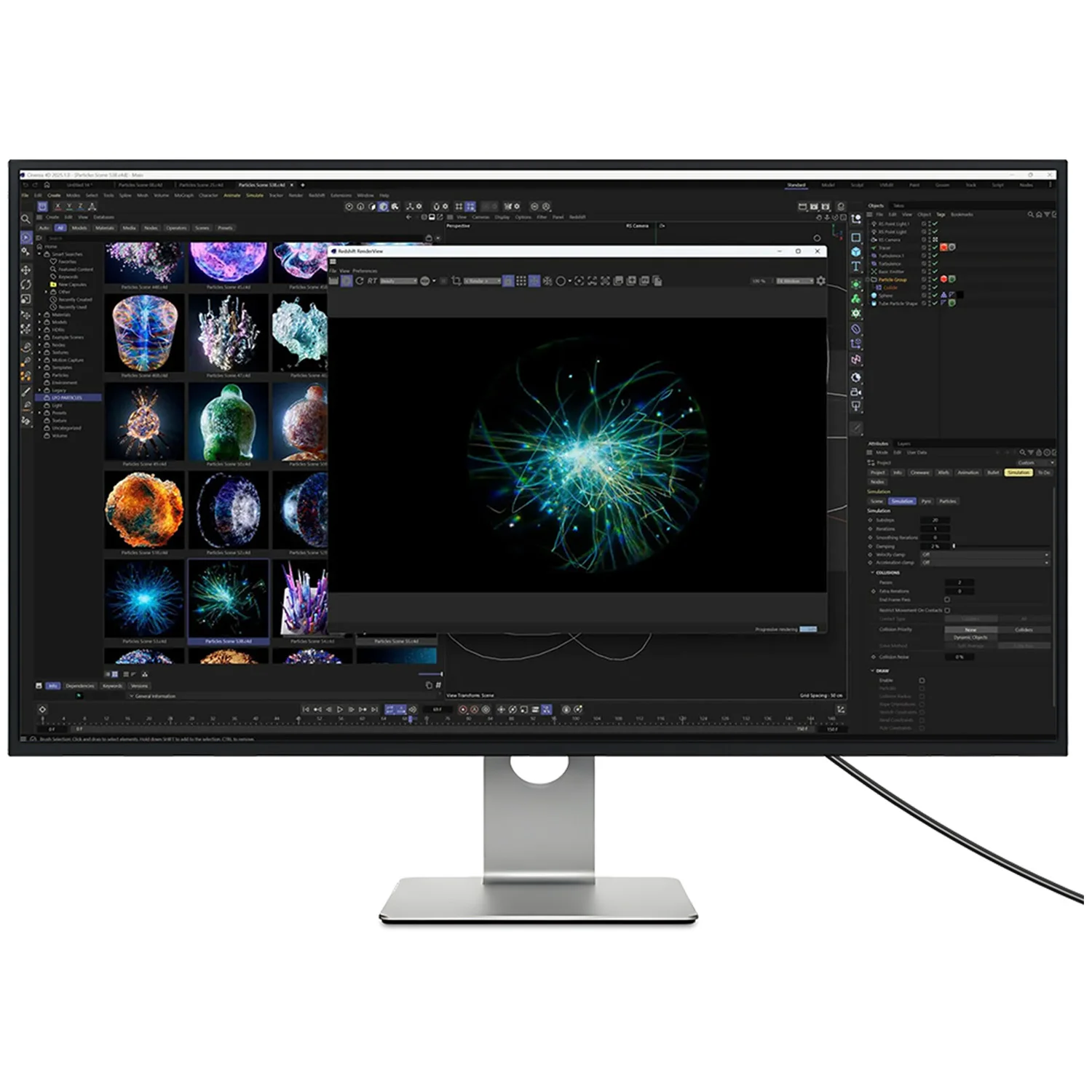
Intel Panther Lake Mini PC power: Core Ultra X7 358H or Core Ultra 7 356H
The GPD BOX family gives you a clear choice between two Intel Panther Lake processor options. The Core Ultra X7 358H is the performance-focused integrated-graphics option, while the Core Ultra 7 356H is the expansion-focused choice for users who want MCIO 8i external GPU capability.
16-core, 16-thread processing for real multitasking
Both processor options use a 16-core / 16-thread CPU configuration with a 1.9 GHz base frequency, 12.5MB L2 cache and 18MB L3 cache. In practice, this gives you the headroom to keep multiple apps open at once: browser tabs, office documents, chat clients, development tools, media playback and background downloads can all coexist without the system feeling like a basic appliance PC.
The configurable TDP is especially important. At its default 25W, the GPD BOX can operate efficiently for everyday desktop use. When you need more sustained performance, the platform can be configured up to an 80W boost TDP, turning it into a genuine 80W TDP Mini PC for demanding workloads. Power is supplied by a built-in 160W GaN power supply, reducing desk clutter and giving the system the electrical overhead required for high-performance operation.
Which GPD BOX processor should you choose?
If your priority is the strongest graphics built directly into the mini PC, the Core Ultra X7 358H is the standout option. It reaches up to 4.8 GHz turbo frequency and is paired with Intel Arc B390 graphics featuring 12 Xe3 cores. That makes it the best fit for users who want an Intel Arc Mini PC for creative acceleration, modern display setups and casual-to-enthusiast gaming without relying on an external GPU.
If your priority is upgrade potential, the Core Ultra 7 356H configuration reaches up to 4.7 GHz turbo frequency and is the version to consider for MCIO 8i. With a PCIe 5.0 x8 interface rated up to 512 Gbps, it is built for near-desktop external-GPU performance when paired with compatible eGPU hardware. For buyers searching for a Mini PC for external GPU use, that makes the 356H model especially compelling.
Intel Arc B390 graphics or PCIe 5.0 x8 eGPU expansion
The graphics story is what separates the GPD BOX from ordinary compact desktops. GPD has not treated GPU capability as an afterthought: this family lets you decide whether you want maximum integrated graphics or maximum external graphics bandwidth.
Intel Arc B390 with 12 Xe3 cores
The Core Ultra X7 358H version features Intel Arc B390 graphics with 12 Xe3 cores. For a compact desktop, that is a serious integrated GPU specification. It supports DirectX 12, OpenGL 4.6 and OpenCL 3, giving you broad compatibility with modern Windows games, creative applications and GPU-accelerated tools.
This is the configuration to choose if you want a High Performance Mini PC that stays self-contained. You can connect your monitor, keyboard, mouse, storage and accessories, then run a full Windows setup without needing a graphics dock. For lightweight editing, media workflows, AI-assisted applications that can use GPU acceleration, indie gaming, esports titles and productivity across high-resolution displays, the Arc B390 configuration gives you a clean and compact path.
Core Ultra 7 356H with MCIO 8i for external GPU users
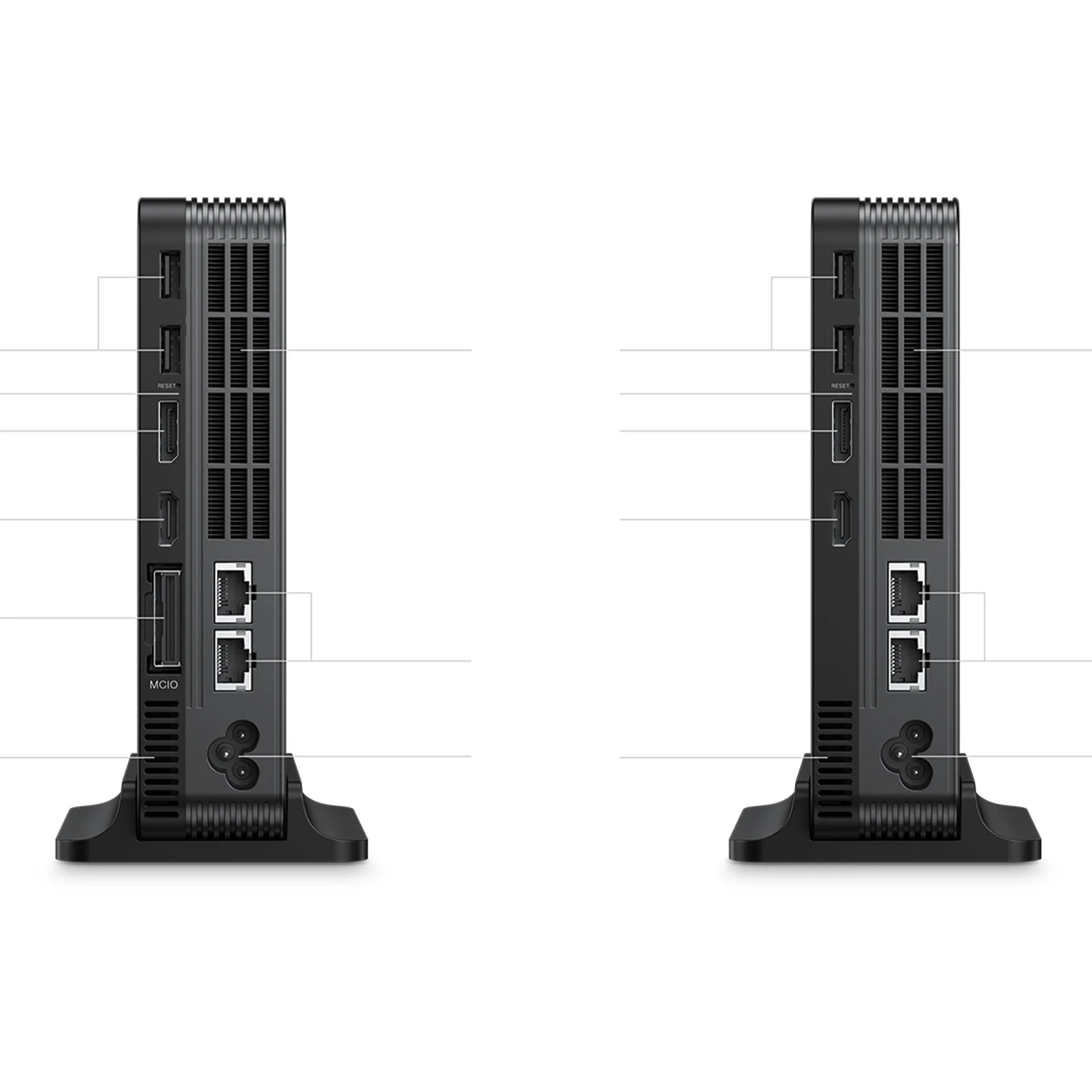
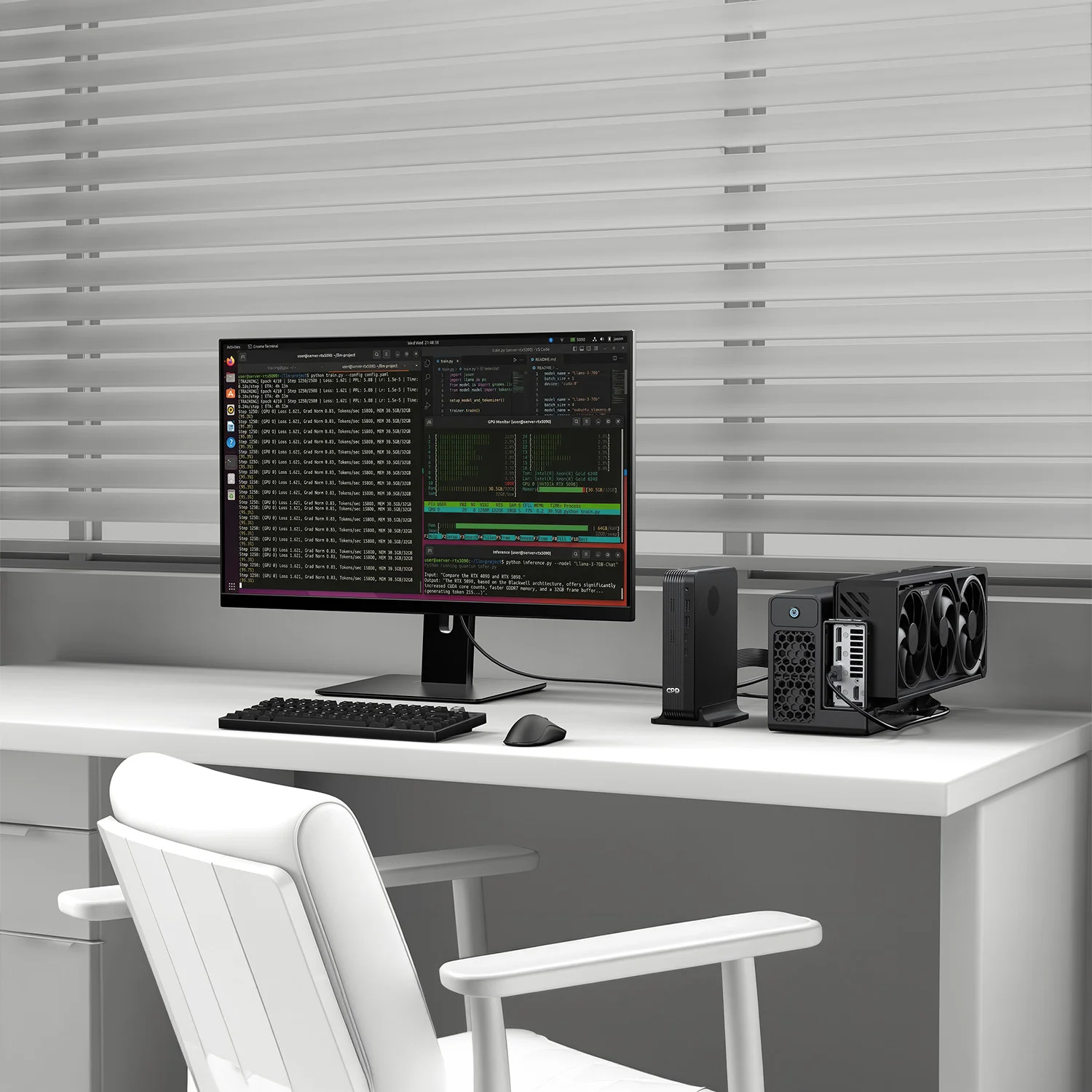
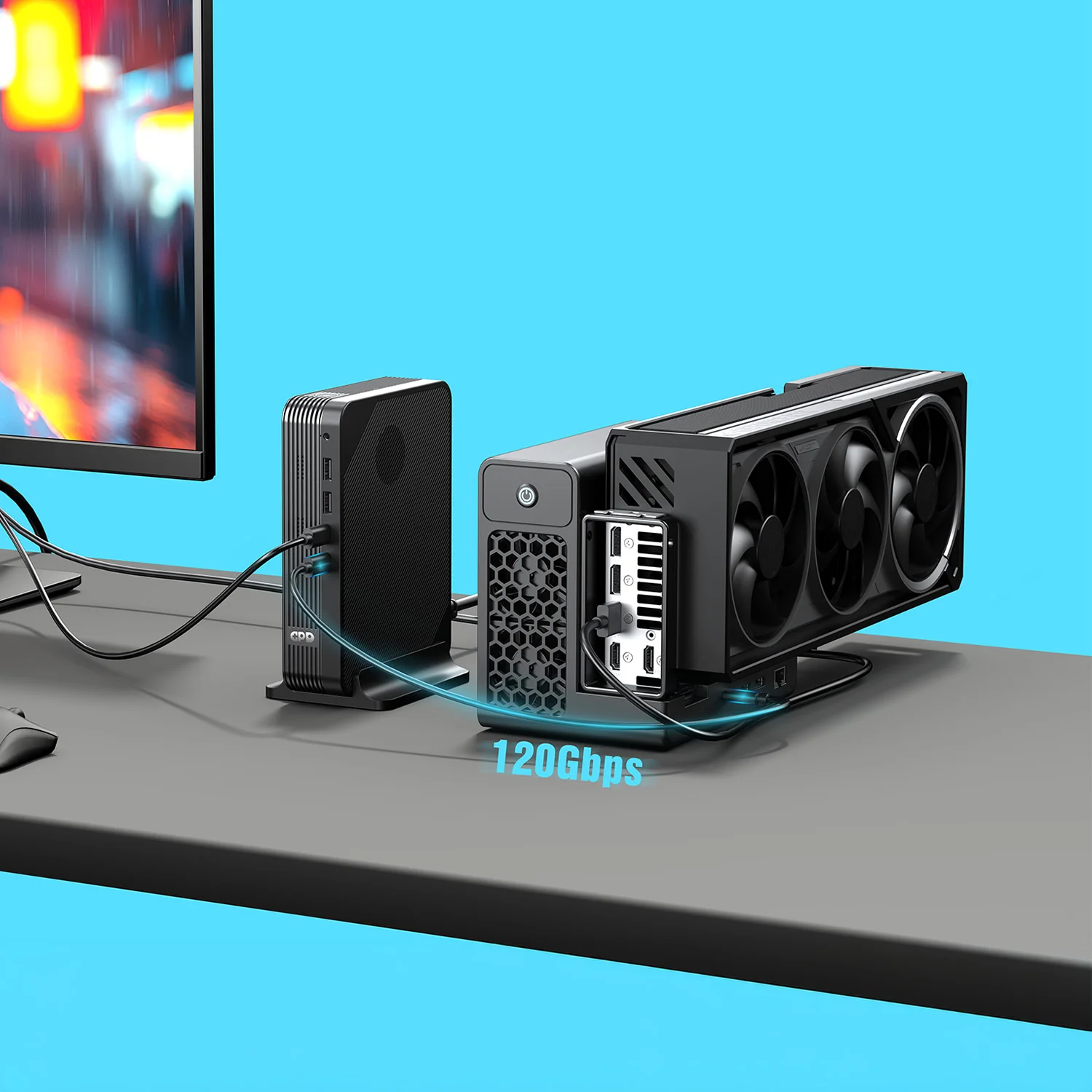
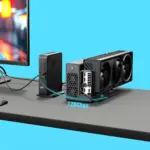
The Core Ultra 7 356H version is designed for a different kind of enthusiast: the user who wants a small desktop now, but the option to attach far more graphics power when needed. Its MCIO 8i port exposes PCIe 5.0 x8 bandwidth up to 512 Gbps, making it a standout MCIO 8i eGPU Mini PC.
Compared with lower-bandwidth external GPU approaches, a PCIe 5.0 x8 eGPU connection is the specification that matters. It gives an external graphics solution the high-speed pathway required for more demanding rendering, gaming and GPU compute scenarios. If your workflow involves switching between a quiet compact desktop and a more powerful graphics station, the GPD BOX 356H configuration is the more flexible choice.
Display standards for modern workspaces
Both graphics paths are backed by HDMI 2.1 and DisplayPort 2.1. These modern outputs are important because they give you proper flexibility for current monitors, televisions and productivity displays. Whether you are building a clean home workstation, a creator desk with a colour-focused panel, a media setup connected to a living-room display or a multi-purpose mini desktop, the GPD BOX gives you current-generation output standards rather than legacy-only connectivity.
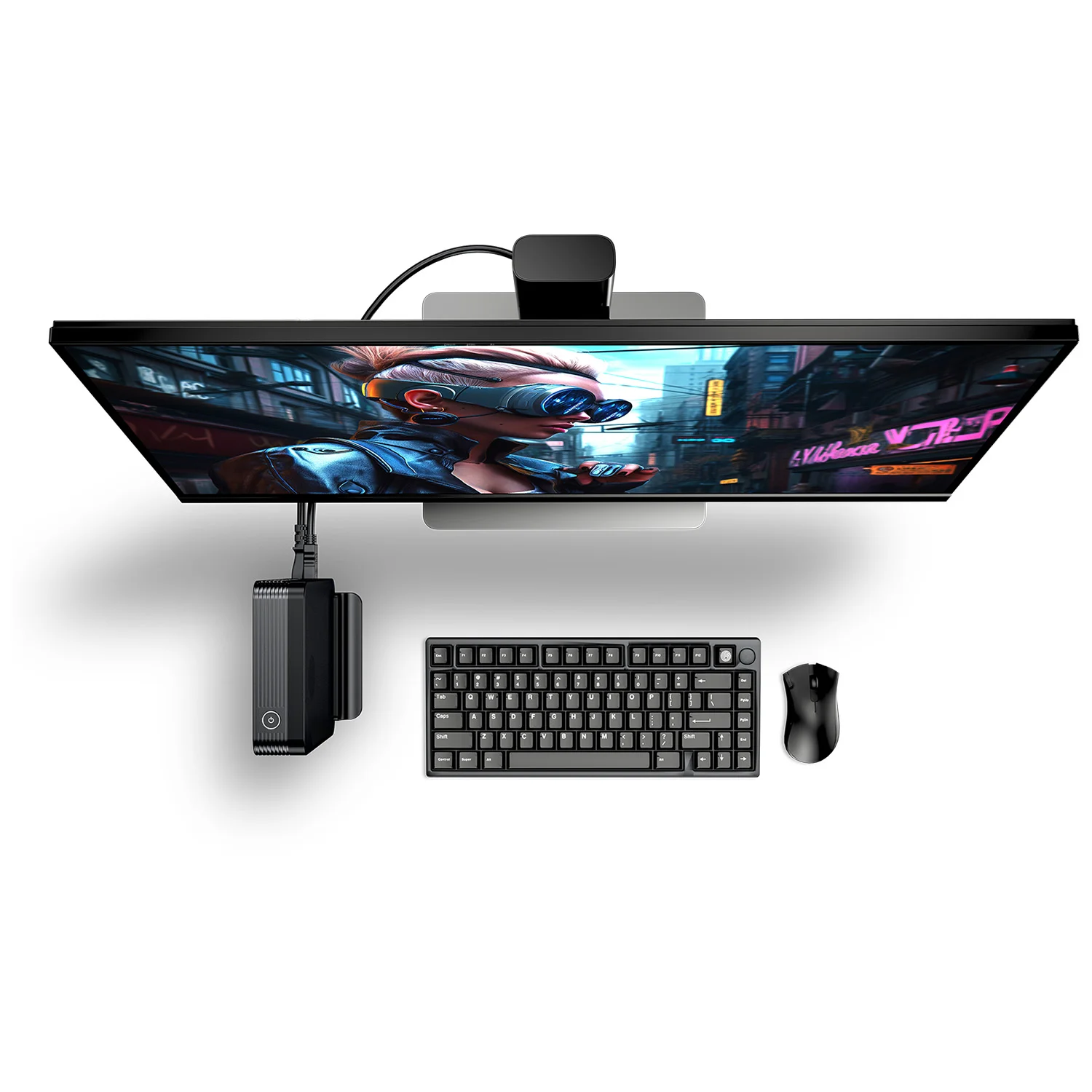
Compact Desktop PC design for clean desks and serious setups
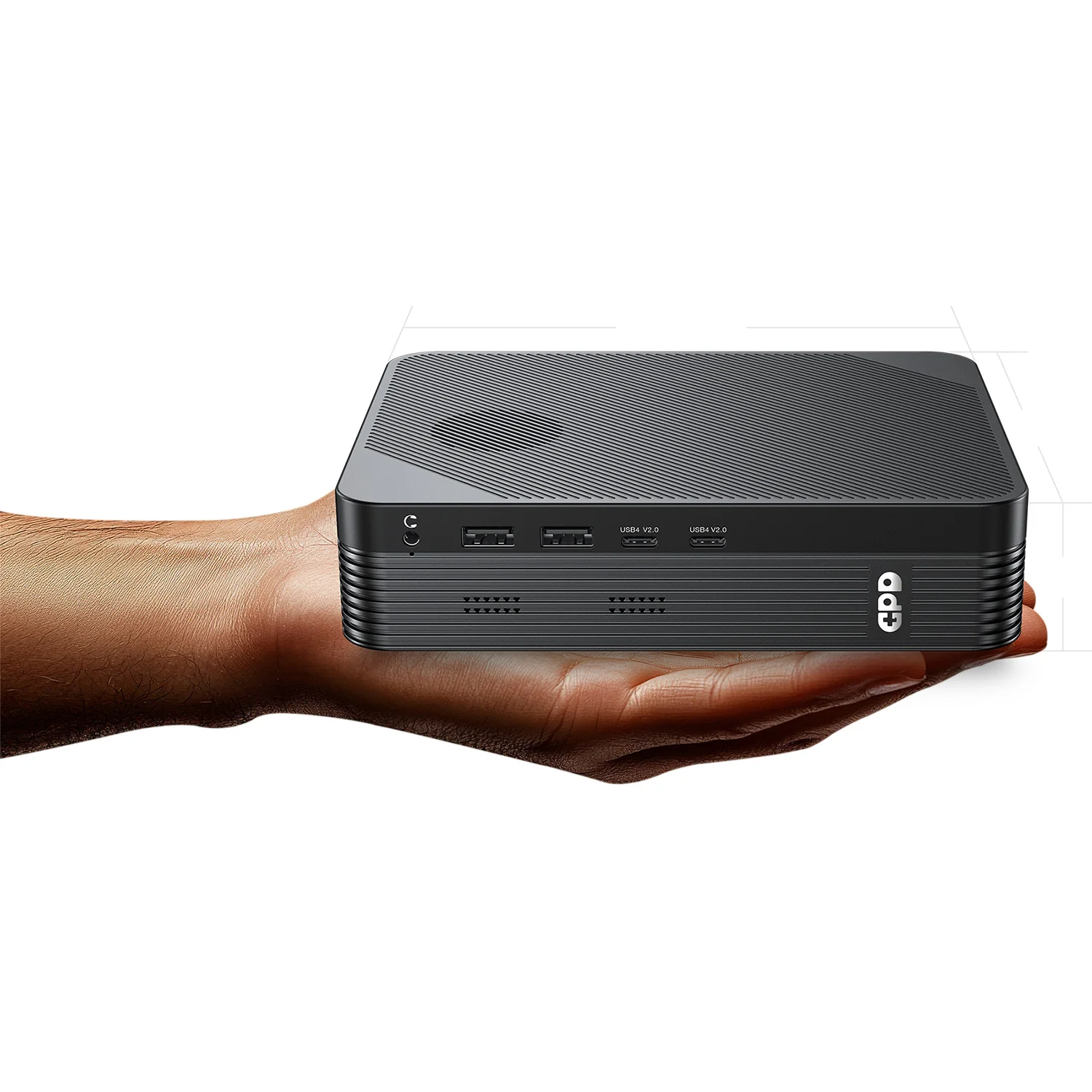
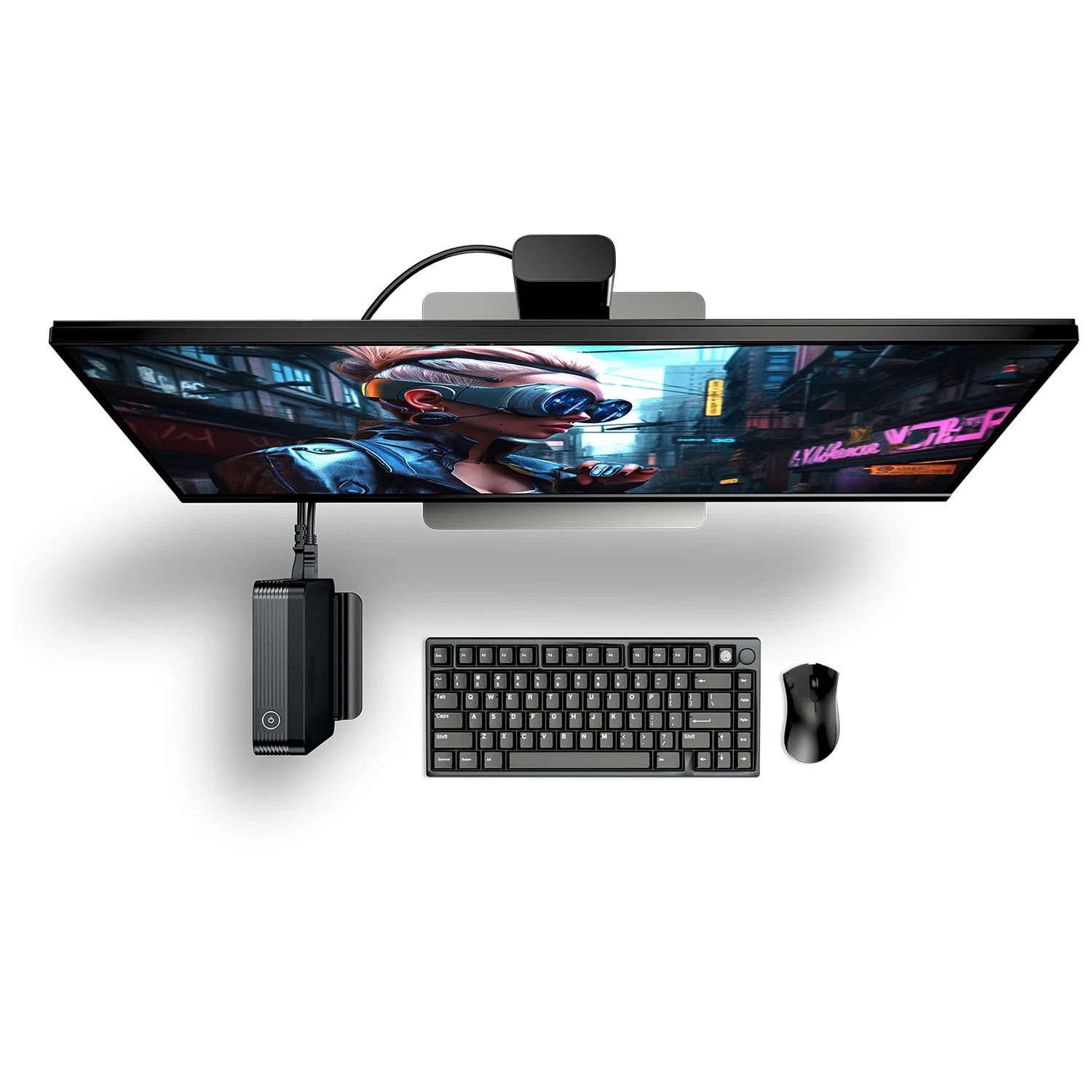
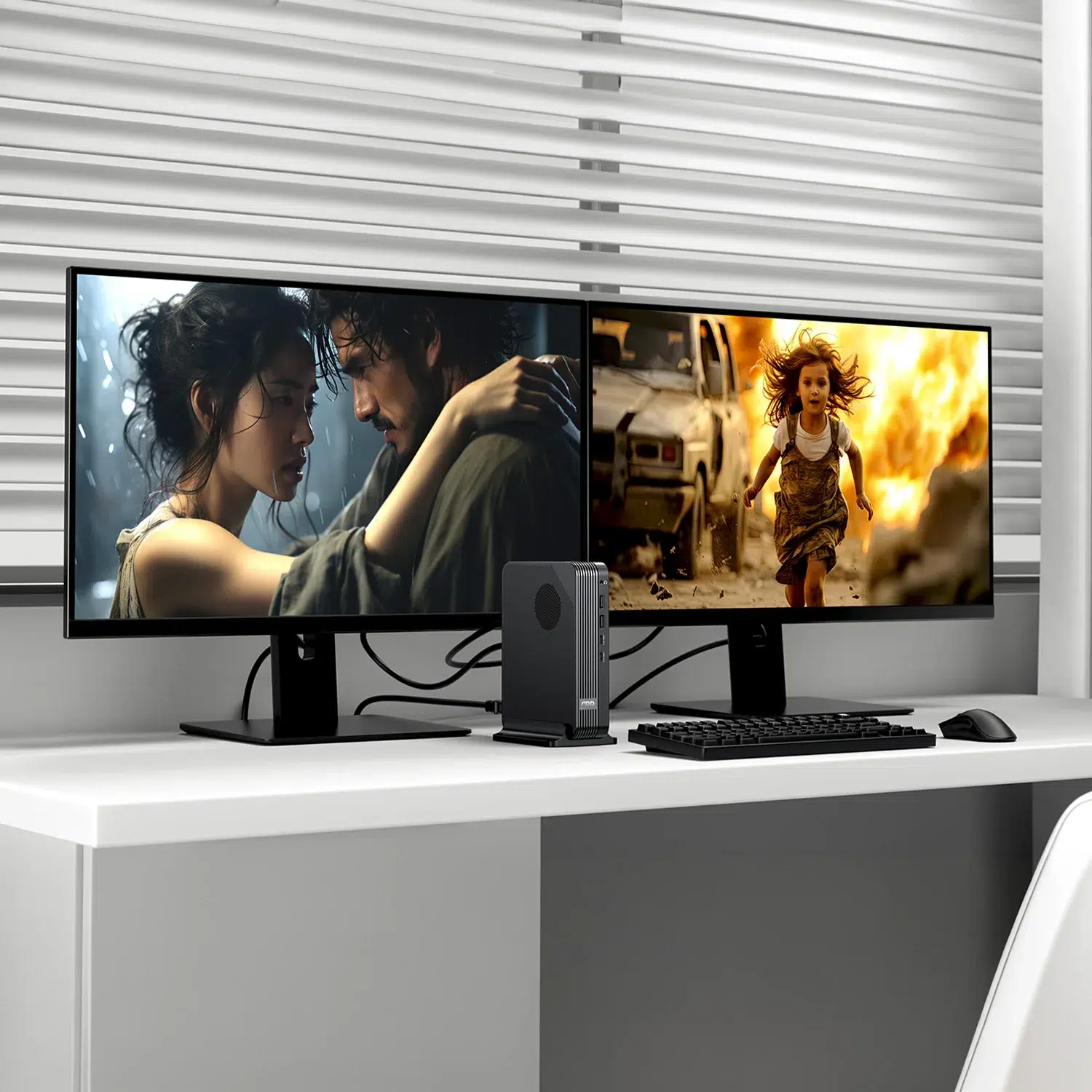
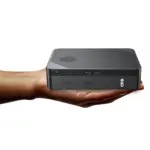
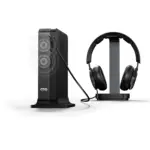
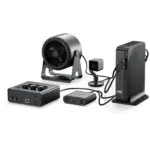
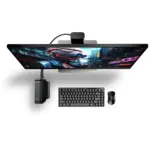
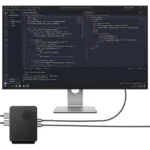
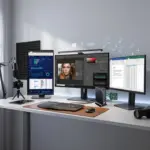
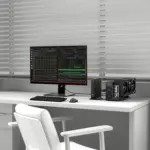
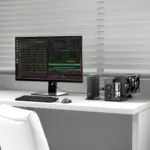
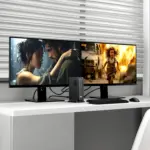
The GPD BOX is built for people who want desktop capability without a tower dominating the workspace. It can sit on a desk, integrate into a monitor-led setup, or become the central Windows 11 machine for a compact home office, studio or gaming corner.
A mini PC earns its place by disappearing into your setup while still doing real work. The GPD Box does exactly that: it gives you the processing, graphics, networking and port selection of a serious compact computer in a much smaller footprint than a conventional desktop. For users familiar with the NUC concept, this is GPD’s take on the category: a GPD NUC or Panther Lake NUC alternative with enthusiast expansion and high-speed I/O.
Why the mini PC format matters
A Compact Desktop PC is not just about saving space. It changes how you build a workstation. You can keep the PC close to your monitor for shorter cable runs, mount it near your display area, use it as a dedicated machine for streaming or media, or move it between rooms more easily than a tower. The GPD BOX is particularly useful if you want one small Windows desktop that can handle work during the day and entertainment at night.
Because the power supply is integrated as a 160W GaN unit, there is no large external power brick to hide behind the desk. That matters in practical terms: fewer loose components, simpler cable routing and a cleaner installation. For a desk built around an ultrawide monitor, docking peripherals and network storage, the GPD BOX is easy to integrate.
Windows 11 turns compact hardware into a full PC
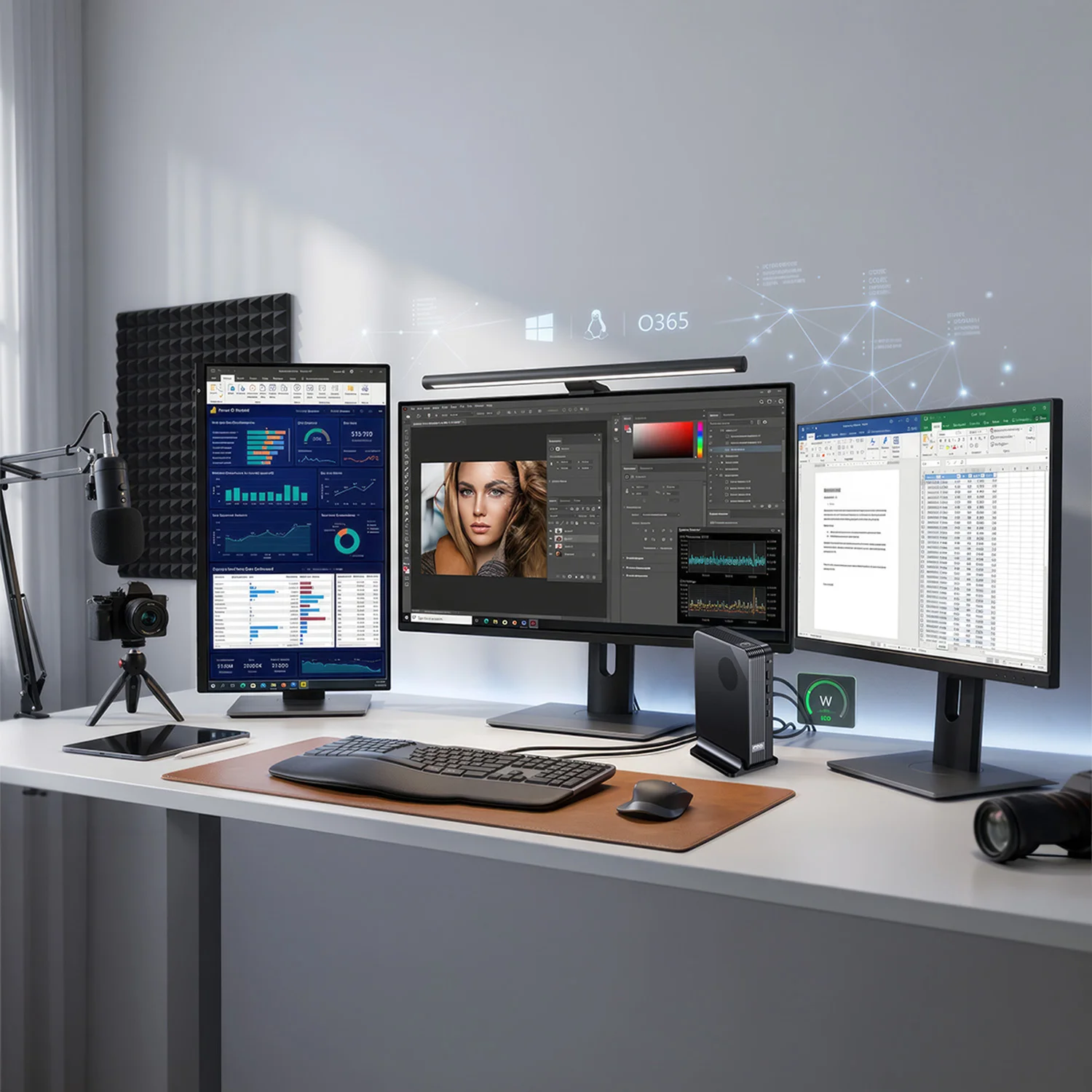
The pre-installed Windows 11 environment is a major advantage over appliance-style mini computers. You are not limited to a narrow app store or a fixed media interface. You can install full desktop software, PC game launchers, productivity suites, development tools, remote-work clients, creative applications and utilities.
For gaming, Windows 11 means access to platforms such as Steam, Epic Games, GOG and Xbox app titles where supported by the software and hardware requirements. For work, it means compatibility with common office environments, VPN tools, browser-based workflows, USB peripherals and standard Windows drivers. The result is a small system that behaves like a real PC because it is one.
LPDDR5X Mini PC memory and NVMe storage built for speed
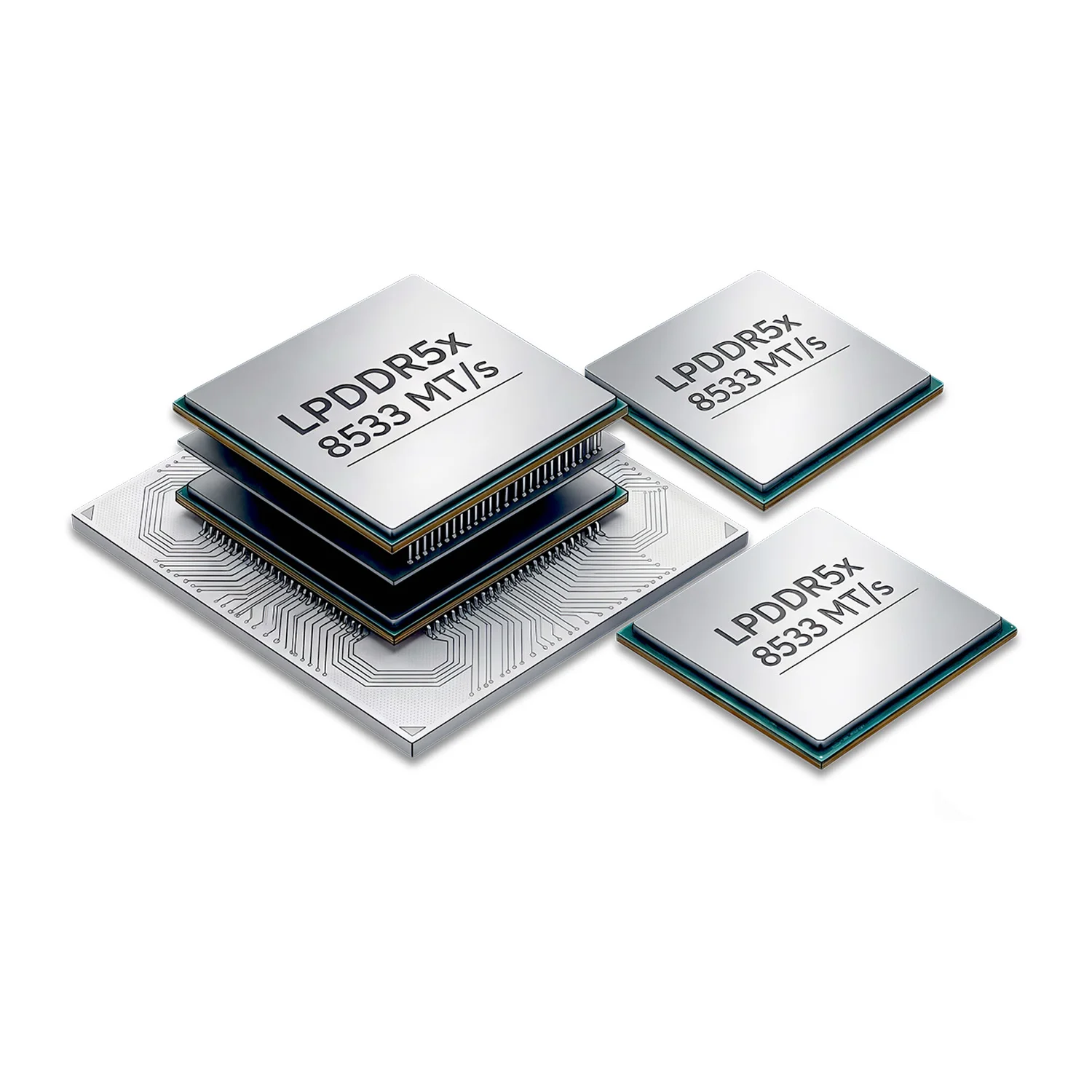
Fast memory is crucial in a compact system, especially when the integrated GPU uses shared system bandwidth. Every GPD BOX configuration includes 32GB LPDDR5X memory running at 8533 MT/s, making it a true LPDDR5X Mini PC rather than a basic low-bandwidth office box.
32GB LPDDR5X-8533 for heavy multitasking
32GB is the right capacity for modern Windows 11 power users. It gives you space for large browser sessions, office tools, chat apps, creative software, virtual meeting clients, light development environments and media playback without immediately leaning on storage as swap. The 8533 MT/s speed is just as important because it keeps data moving quickly between the CPU, memory and integrated graphics.
For the Core Ultra X7 358H model with Intel Arc B390, that fast memory helps the graphics side of the chip perform as intended. For productivity and AI-assisted tools, it keeps the system responsive when multiple tasks are competing for resources. If your current mini PC slows down when you open too many tabs or switch between heavy apps, this memory configuration is one of the main reasons to upgrade.
Choose 1TB, 2TB or 4TB NVMe storage
The GPD BOX family is available with 1TB, 2TB or 4TB NVMe storage. The right choice depends on how you plan to use the machine. A 1TB model is a strong entry point for Windows, office work, streaming, cloud storage and a focused app library. A 2TB model gives you more breathing room for games, project folders and local media. A 4TB model is the most convenient option if you want a large local library without constantly managing space.
NVMe storage matters because Windows 11 feels best when applications launch quickly, updates install without long pauses and large files move at modern SSD speeds. For creators, developers and gamers, storage capacity is not just a number; it determines how many projects, datasets, game installs or media folders you can keep ready at once.
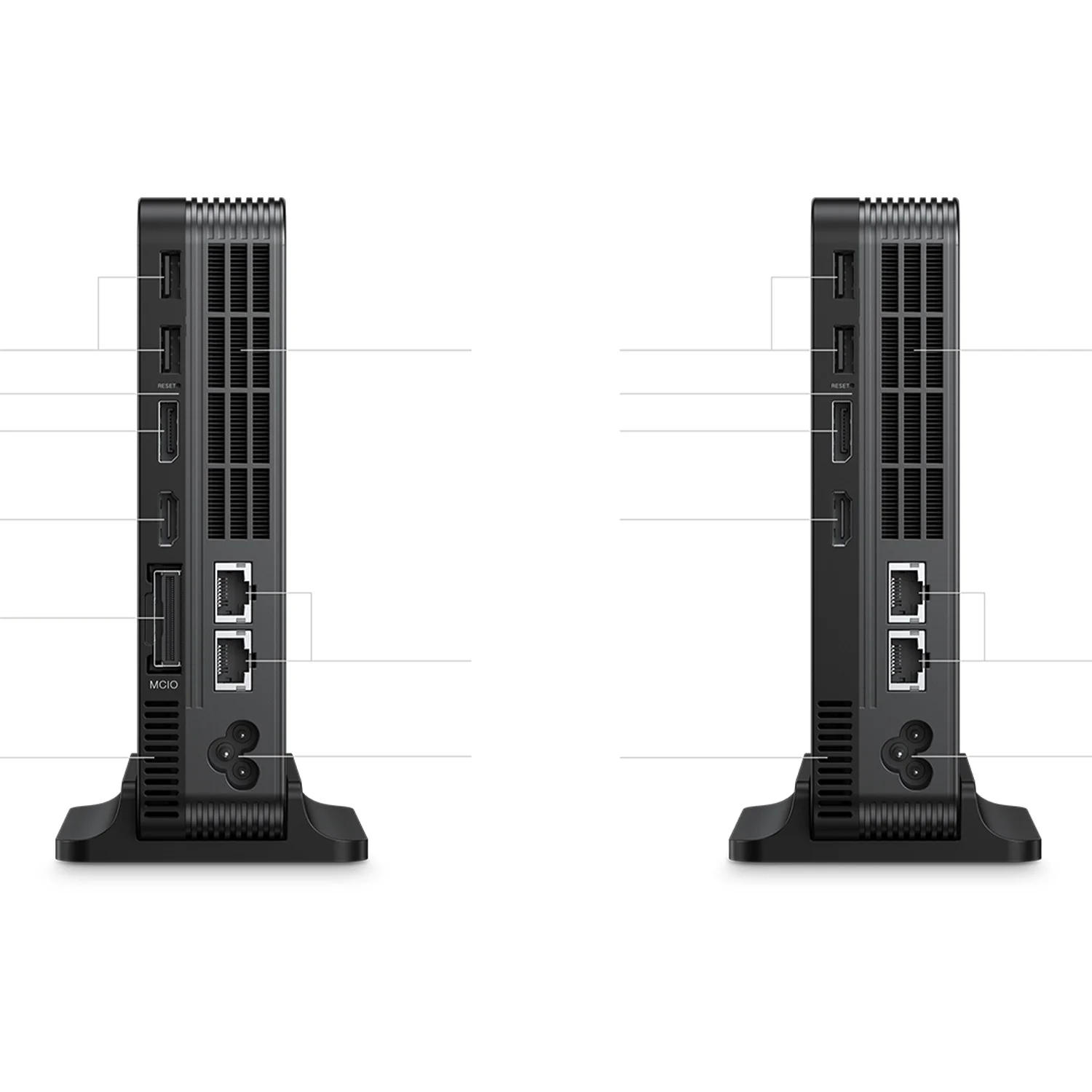
USB4 v2 Mini PC connectivity with dual 2.5GbE, Wi-Fi 7 and Bluetooth
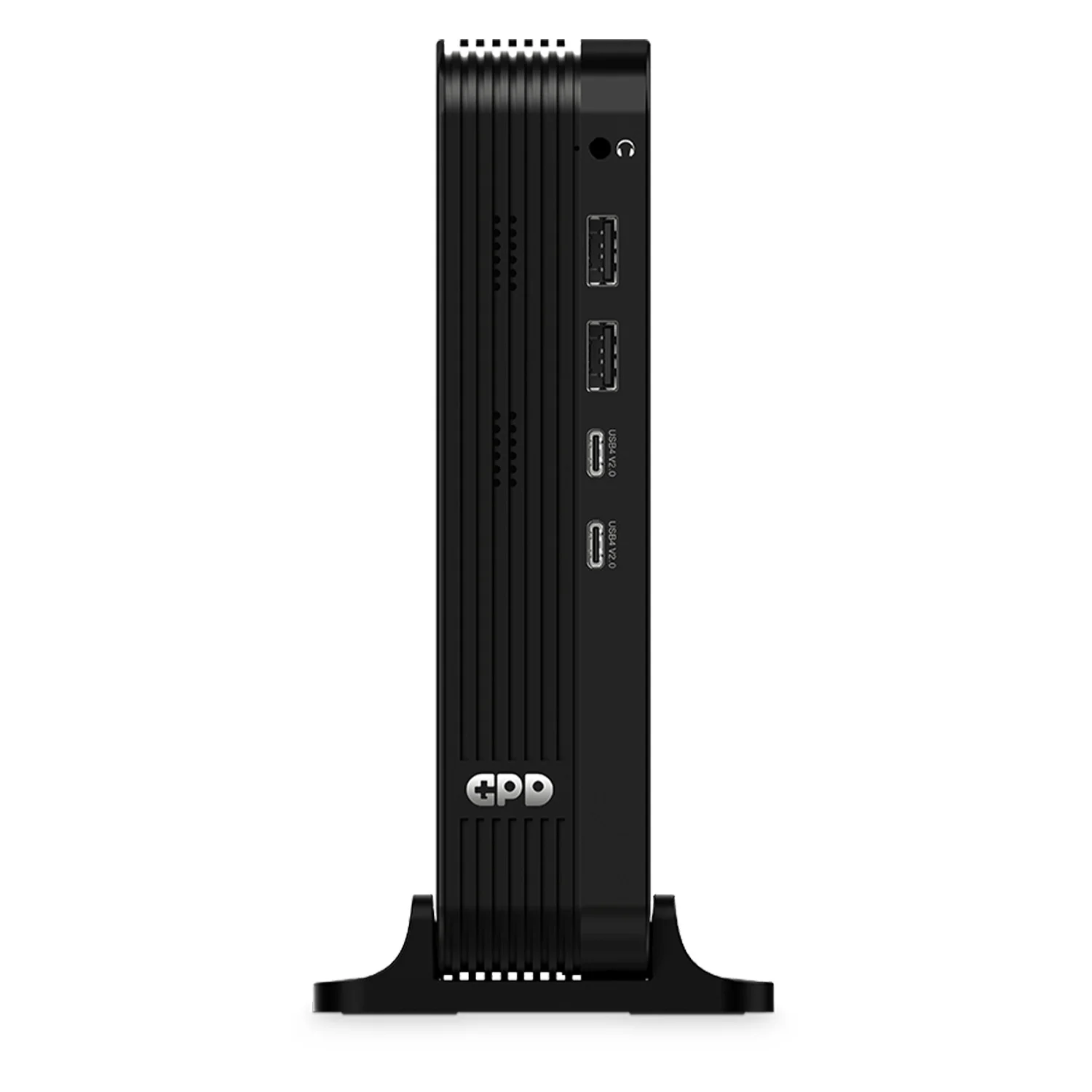
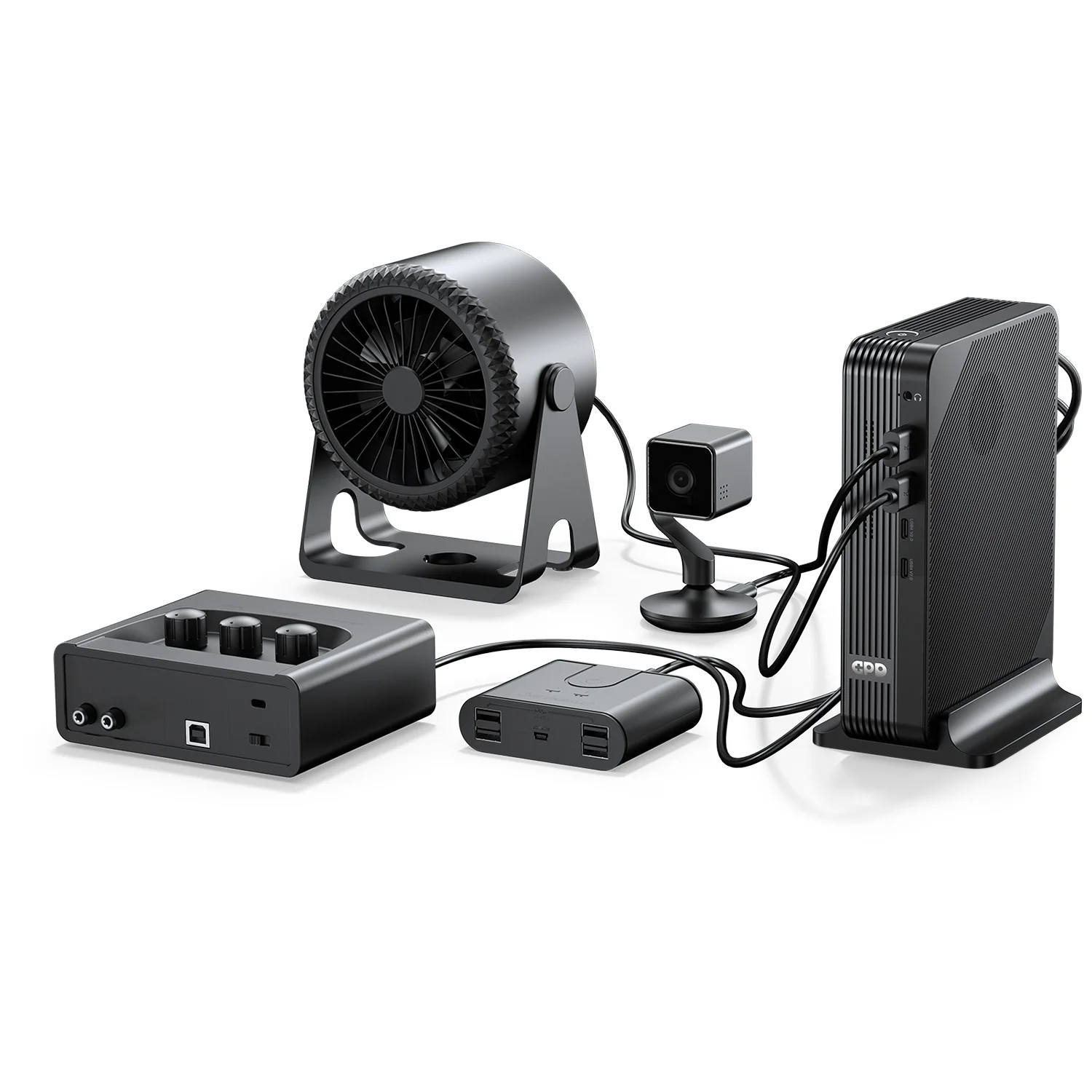
Connectivity is where the GPD BOX feels like an enthusiast desktop rather than a basic small PC. With 2x USB4 v2, 4x USB 3.2 Gen 2 Type-A, dual 2.5GbE, HDMI 2.1, DisplayPort 2.1, Wi-Fi 7 and Bluetooth, it is ready for modern desks, fast networks and high-bandwidth accessories.
USB4 v2 for docking, storage and display flexibility
A USB4 v2 Mini PC gives you much more than a charging-style USB-C port. The two USB4 v2 ports unlock high-bandwidth docks, fast external storage, display adapters and advanced desk setups. If you want a single compact PC connected to a dock, external drives, capture gear or modern monitors, this port selection gives you room to grow.
The four USB 3.2 Gen 2 Type-A ports are equally practical. Many buyers still use wired keyboards, mice, audio interfaces, external SSDs, webcams, controllers, USB receivers and security keys. Having four high-speed Type-A ports reduces reliance on adapters and keeps your setup clean.
Dual 2.5GbE for fast wired networking
The GPD BOX is also a Dual 2.5GbE Mini PC, with two RJ45 Ethernet ports. This is valuable for home-lab users, NAS workflows, advanced routing, streaming setups and anyone moving large files across a local network. A single gigabit port can become a bottleneck when you use network-attached storage or transfer large video projects. Dual 2.5GbE gives you far more flexibility.
For enthusiasts, dual LAN also opens use cases beyond ordinary desktop computing. You can separate a local NAS connection from general internet traffic, experiment with network services, or use the machine as part of a compact lab environment. The hardware gives you options without needing an add-in card.
Wi-Fi 7 and Bluetooth for cable-light setups
When you do not want to run Ethernet, the GPD BOX includes Wi-Fi 7, making it a modern Wi-Fi 7 Mini PC for fast wireless networks. Wi-Fi 7 is designed for higher throughput and lower latency on compatible routers, which helps with cloud services, downloads, streaming and responsive remote work.
Bluetooth support completes the wireless side of the setup. You can connect wireless keyboards, mice, headphones, speakers, controllers and other accessories without consuming USB ports. For a compact desktop, that makes a major difference: fewer cables, fewer dongles and a cleaner workspace.
AI Mini PC 180 TOPS capability for next-generation workloads
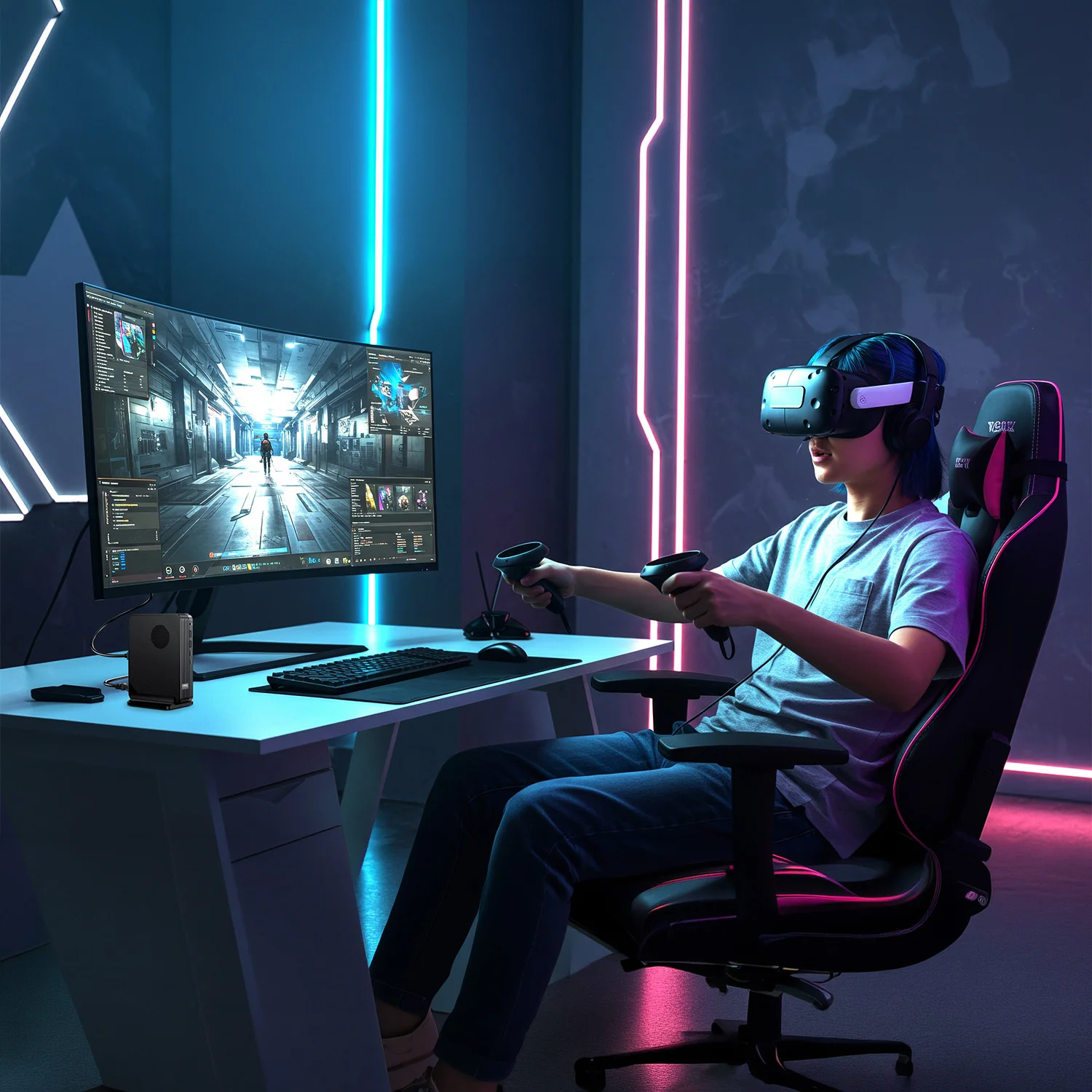
Modern computing is increasingly about acceleration, and the GPD BOX is positioned as an AI Mini PC 180 TOPS class compact desktop for users exploring AI-assisted applications, local productivity tools and accelerated workflows.
AI performance is not just a headline; it affects how responsive supported applications can become when they use dedicated acceleration. AI-enhanced creative tools, intelligent productivity features, local inference experiments and future Windows workloads can all benefit from hardware designed with AI in mind. The GPD BOX gives you a compact platform that is ready for this direction rather than being limited to older CPU-only approaches.
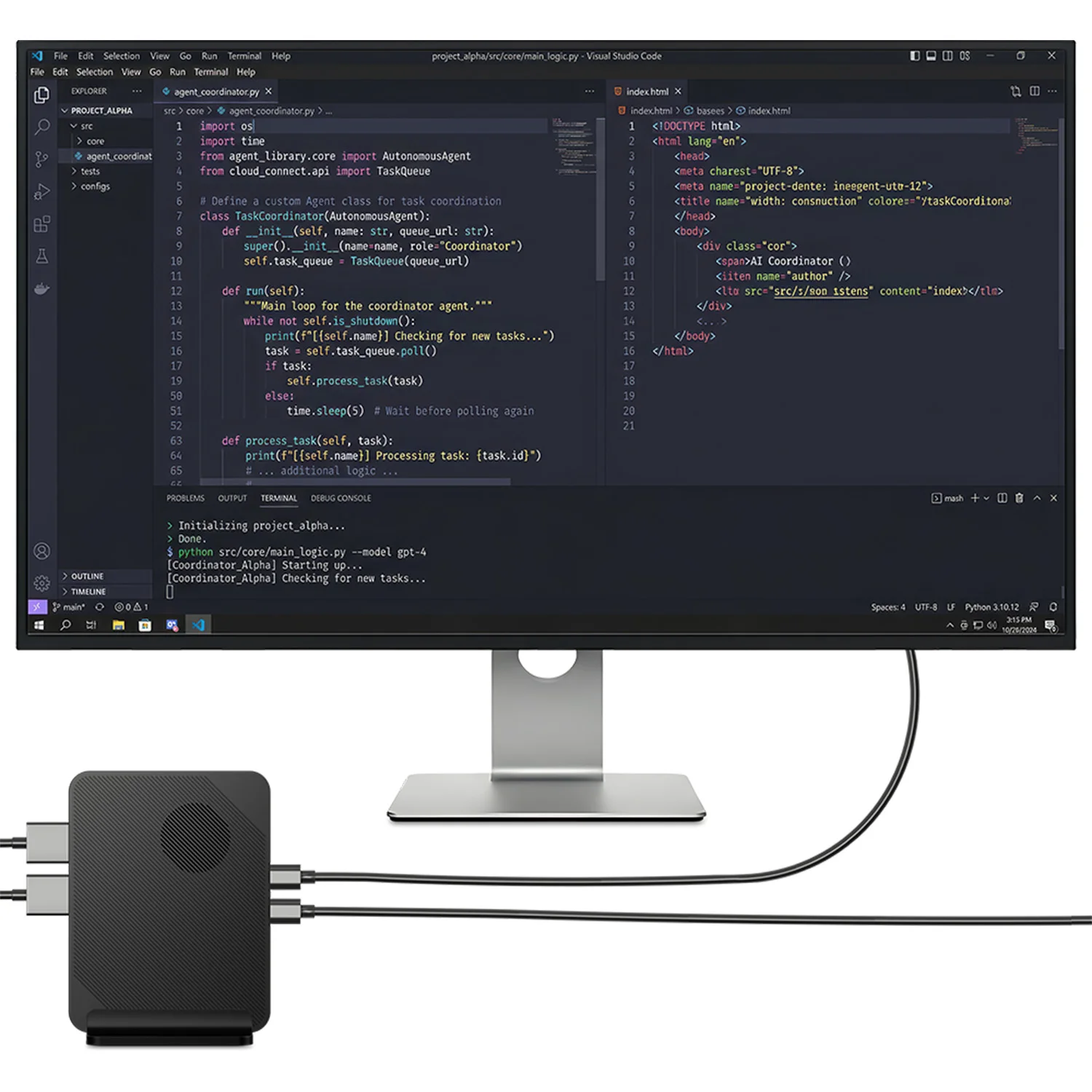
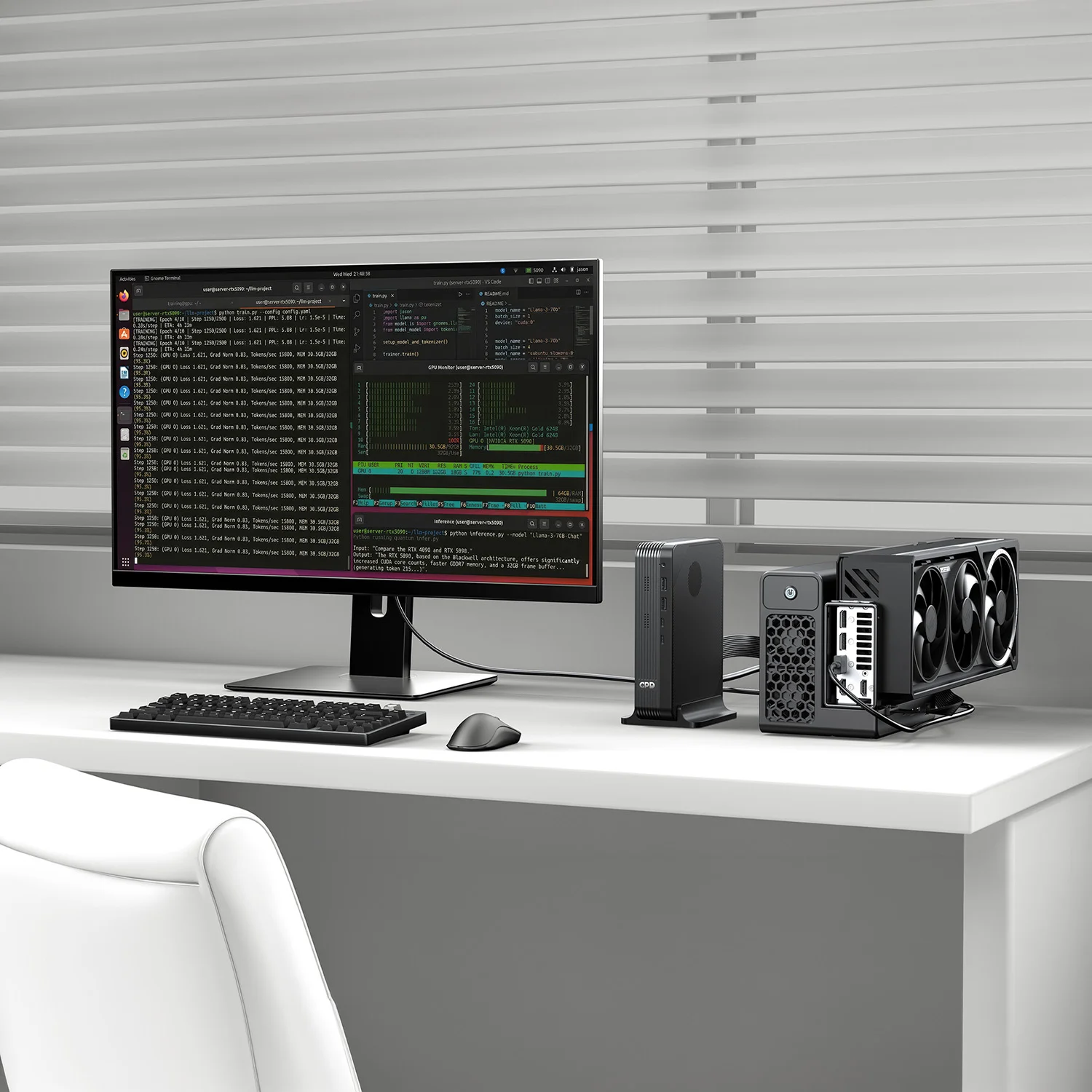
For developers and technical users, the appeal is flexibility. You can use the GPD BOX as a compact Windows 11 development machine, a local testing system, a network-connected mini workstation or an external-GPU-ready platform depending on the configuration you choose. Pair the Core Ultra 7 356H version with a compatible external graphics setup for GPU-heavy experimentation, or choose the Core Ultra X7 358H version when you want integrated Intel Arc B390 capability in the smallest complete system.
What this enables in practice
- AI-assisted productivity: run Windows 11 applications that use local acceleration where supported.
- Creator workflows: benefit from fast CPU cores, modern graphics APIs and NVMe storage.
- Development and testing: use a small but capable machine for coding, compiling, containers or lab work where your tools support Windows.
- External GPU growth: select the MCIO 8i configuration if your future plans include higher graphics performance.
Which GPD Mini PC configuration is right for you?
Because this is the parent product family, the best GPD BOX for you depends on your preferred balance of integrated graphics, external graphics potential and storage capacity. The shared foundation is strong across the range: Windows 11, 32GB LPDDR5X-8533, 16 cores, USB4 v2, dual 2.5GbE, Wi-Fi 7, Bluetooth, HDMI 2.1 and DisplayPort 2.1.
Choose Core Ultra X7 358H if you want the strongest integrated GPU
The Core Ultra X7 358H models are the natural choice if you want the best self-contained graphics option. With Intel Arc B390 and 12 Xe3 cores, this configuration is best suited to users who want an Intel Arc Mini PC for compact gaming, GPU-accelerated applications, high-resolution display output and a powerful all-in-one desktop experience.
Choose Core Ultra 7 356H if you want external GPU expansion
The Core Ultra 7 356H models are aimed at users who value expansion. The MCIO 8i port with PCIe 5.0 x8 bandwidth up to 512 Gbps is the key differentiator. If you are building around a compatible external GPU, this is the configuration that makes the GPD BOX a serious Mini PC for external GPU use.
Choose your storage capacity around your library
The 1TB option is ideal for a compact work PC with cloud storage and a focused app set. The 2TB option is the balanced choice for mixed productivity, games and creative files. The 4TB option is best for users who want maximum local capacity for large project folders, media libraries, development environments or multiple game installs.
Available family configurations include GPD BOX Intel-358H 32GB RAM with 1TB, 2TB or 4TB SSD, and GPD BOX Intel-356H 32GB RAM with 1TB, 2TB or 4TB SSD. That gives you six variants built around the same compact desktop concept.
Real-world use cases for this High Performance Mini PC
Home office and productivity desktop
If you want a small Windows 11 machine for serious daily use, the GPD BOX is a strong fit. The 16-core / 16-thread processor, 32GB LPDDR5X-8533 memory and NVMe storage options make it suitable for browser-heavy work, office suites, video calls, document editing and multitasking across multiple apps.
Creator and media workstation
For creators, the combination of modern Intel processing, DirectX 12, OpenCL 3, HDMI 2.1 and DisplayPort 2.1 gives you a compact platform for editing, asset management, streaming, media playback and GPU-accelerated tools where supported. Choose the Core Ultra X7 358H model if integrated graphics performance is your priority.
Gaming and eGPU-ready compact desktop
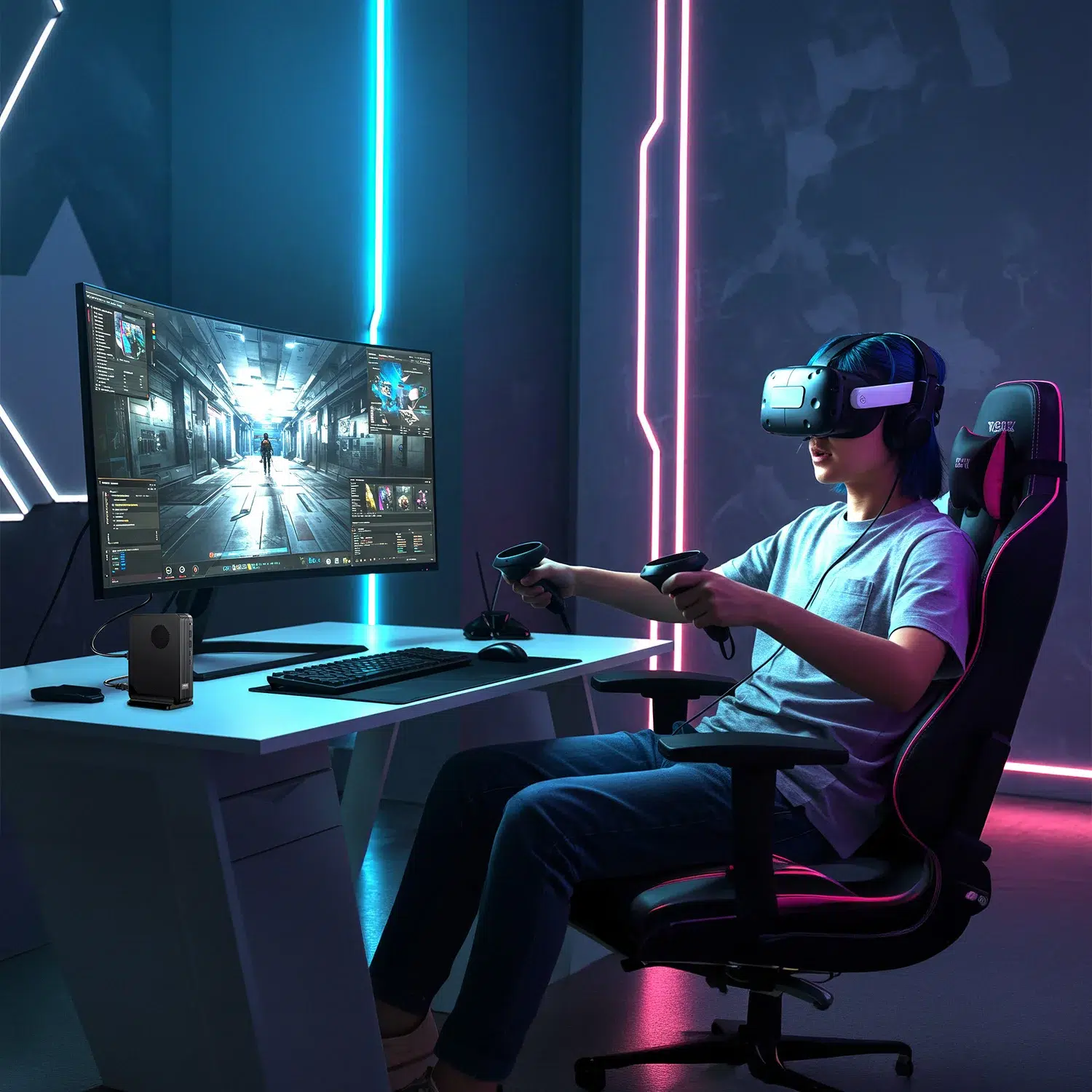
The GPD BOX is not a giant gaming tower, but it is built with gaming flexibility in mind. The Intel Arc B390 option gives you a capable integrated graphics path, while the Core Ultra 7 356H with MCIO 8i gives you a high-bandwidth eGPU route. If you want a small Windows machine that can scale with an external graphics solution, the 356H model is the one to consider.
Home lab, networking and always-ready utility PC
Dual 2.5GbE ports make the GPD BOX more interesting than a basic mini desktop for networking tasks. You can build a compact lab system, connect to NAS storage, experiment with services, or use it as a fast wired machine in a network-heavy setup. Add Wi-Fi 7 and Bluetooth, and you have both wired performance and wireless convenience.
Buy the GPD Box from DROIX UK with official warranty and fast UK delivery
DROIX is a specialist UK/EU retailer for compact PCs, handheld gaming PCs and enthusiast computing devices, and the GPD Box fits perfectly into that world. When you buy from DROIX UK, you get the confidence of official warranty support, knowledgeable product expertise and fast UK delivery.
This matters with a product family as configurable as the GPD BOX. You are not just choosing a storage capacity; you are choosing between two different performance philosophies. DROIX helps make that decision clear: Core Ultra X7 358H for the strongest integrated Intel Arc B390 graphics, or Core Ultra 7 356H for MCIO 8i external GPU expansion. Both are built on the same compact Windows 11 foundation, but each serves a different enthusiast profile.
Frequently Asked Questions
What is the GPD BOX?
The GPD BOX is GPD’s first mini PC, a compact Windows 11 desktop built on Intel Panther Lake. It is available with either the Core Ultra X7 358H and Intel Arc B390 graphics, or the Core Ultra 7 356H with MCIO 8i external GPU expansion.
Which GPD BOX configuration should I choose?
Choose the Core Ultra X7 358H model if you want the strongest integrated graphics, thanks to Intel Arc B390 with 12 Xe3 cores. Choose the Core Ultra 7 356H model if you want MCIO 8i connectivity for a PCIe 5.0 x8 eGPU setup.
Does the GPD BOX support an external GPU?
Yes, the Core Ultra 7 356H configuration is designed for external GPU users with an MCIO 8i port offering PCIe 5.0 x8 bandwidth up to 512 Gbps. This makes it a strong mini PC for external GPU expansion when paired with compatible eGPU hardware.
Can the GPD BOX run Windows desktop software and PC games?
Yes. The GPD BOX comes with Windows 11, so you can install standard desktop applications, productivity software, development tools and PC game launchers. Game performance depends on the selected configuration, graphics requirements and whether you use integrated graphics or an external GPU.
What storage options are available for the GPD BOX?
The GPD BOX family is available with 1TB, 2TB or 4TB NVMe storage. All variants include 32GB LPDDR5X-8533 memory, so your choice mainly depends on how many games, project files, media folders or applications you want stored locally.
What connectivity does the GPD BOX include?
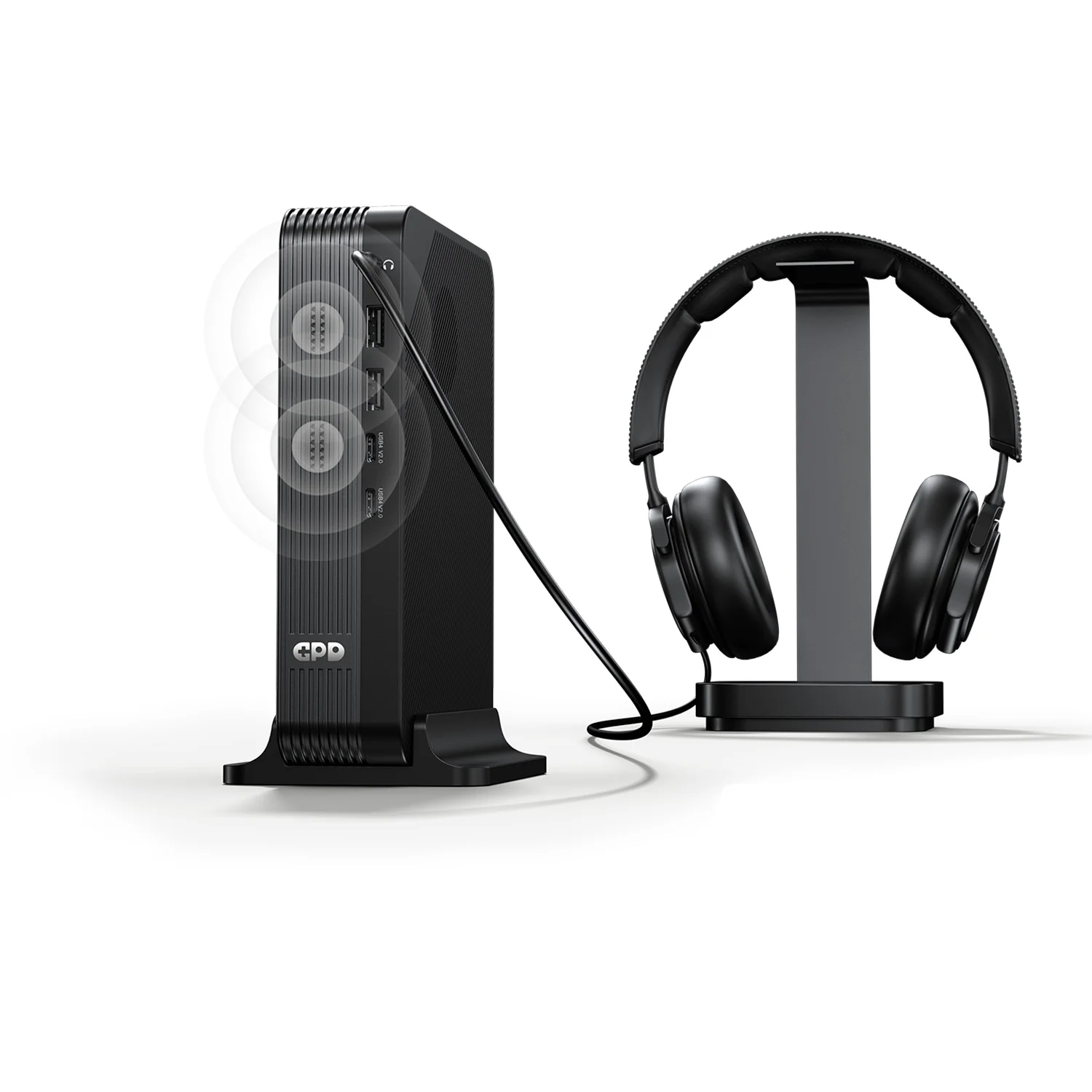
The GPD BOX includes two USB4 v2 ports, four USB 3.2 Gen 2 Type-A ports, HDMI 2.1, DisplayPort 2.1, dual 2.5GbE Ethernet, Wi-Fi 7, Bluetooth and a 3.5mm headphone and microphone jack. It is built for docks, displays, networks and peripherals.
 Add to basket