

DroiX
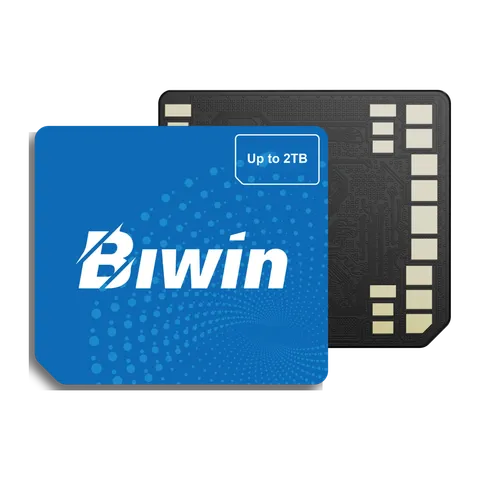
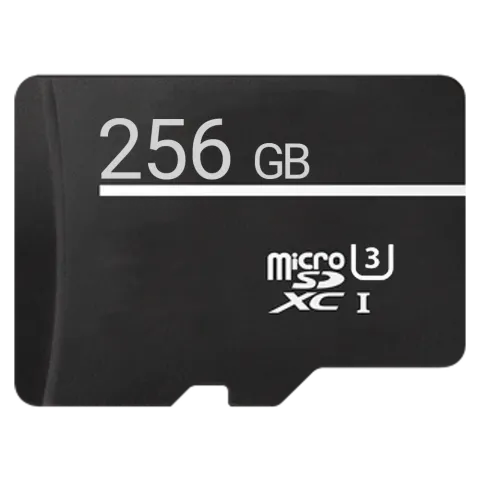
Micro SD Card SDXC UHS-3 TF Flash Memory Card
In Stock
£7.14 - £69.54£8.34
£47.94inc. VAT
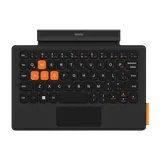
The ONEXPLAYER 3 Keyboard is the official-style keyboard accessory built to turn your ONEXPLAYER 3 setup into a more capable portable PC workspace, giving you a 64-key QWERTY layout, Chiclet typing feel, backlit keys, and broad PC / Windows and Linux platform compatibility in a slim Black design.
If you use your handheld for more than gaming, this is the accessory that makes the biggest day-to-day difference: faster chat, easier file management, smoother launchers, better emulator configuration, and a more natural way to use desktop apps while travelling.
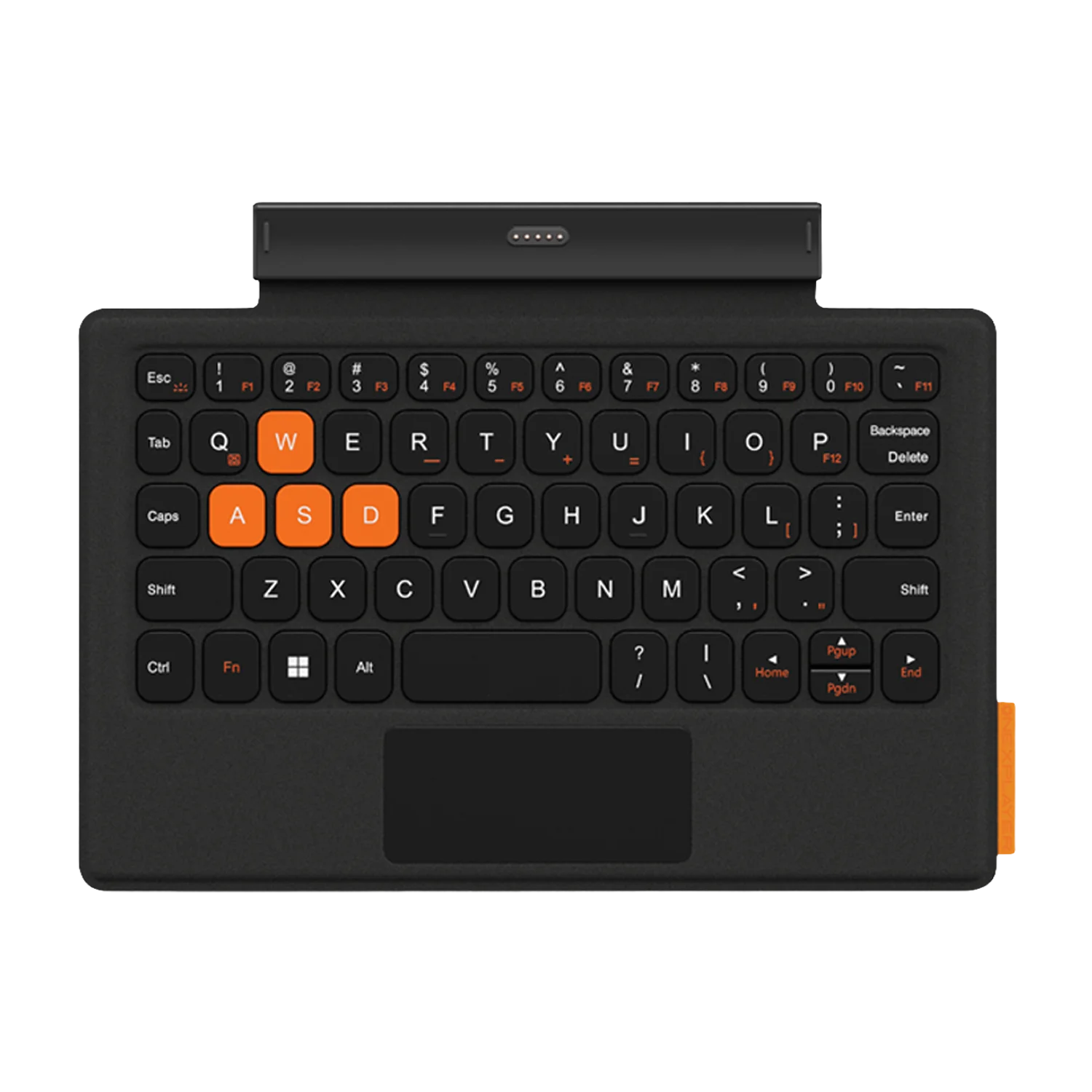
The ONEXPLAYER 3 Keyboard is designed for users who want more from their ONEXPLAYER 3 than controller-only gaming. A handheld gaming PC is already a full computer, and adding a dedicated keyboard unlocks the parts of that experience that touch controls and on-screen keyboards simply do not handle well.
You get a compact 64-key QWERTY keyboard with a Chiclet key style, backlit input for lower-light use, and compatibility with PC / Windows and Linux. That combination matters because it supports the way enthusiasts actually use handheld PCs: Steam, launchers, emulators, cloud saves, desktop utilities, mods, browser tabs, messages, spreadsheets, notes, and quick configuration changes.
Finished in Black, with a measured product size of 24 × 19 × 4 and a weight of 0.3, it is built to stay practical for portable setups rather than turning your handheld into a bulky laptop replacement. For a compact ONEXPLAYER 3 accessory, that balance is exactly what you want.
The best handheld accessories do not just add hardware — they remove friction. The ONEXPLAYER 3 Keyboard makes everyday PC control faster, cleaner, and more accurate, especially when you are working in Windows or Linux interfaces that were never designed around a gamepad alone.
A handheld gaming PC becomes dramatically more useful when you can type properly. The 64-key QWERTY layout gives you a familiar input method without needing to carry a full-size keyboard, which is especially valuable when you are configuring games, logging into accounts, editing paths, naming save files, or managing launch options.
For PC gamers, that means less time fighting the on-screen keyboard and more time actually using your device. Searching your Steam library, entering Wi-Fi passwords, typing into Discord, adjusting emulator settings, renaming folders, or changing configuration files all become quicker and more precise.
The Chiclet style is a strong fit for a portable keyboard because it keeps the profile clean and compact while still giving each key a defined surface. That matters on a handheld accessory, where the goal is to add proper typing control without losing the portability that makes the ONEXPLAYER 3 appealing in the first place.
A full desktop keyboard is not always practical with a portable gaming PC. A 64-key layout focuses on the core keys you use most often, giving you a better balance between usability and portability. You still get the QWERTY typing experience you expect, but in a form factor that belongs with a handheld setup.
The ONEXPLAYER 3 Keyboard includes backlit keys, and that is more than a cosmetic extra. Handheld PCs are often used in places where lighting is not perfect: sofa setups, bedrooms, flights, trains, hotel rooms, gaming events, and shared spaces where you do not want bright overhead lights.
Backlighting makes the keyboard easier to read at a glance, which is especially useful when you are entering shortcuts, typing passwords, using launchers, or working across desktop software. For a portable PC accessory, visibility directly affects how comfortable the device feels to use outside a desk setup.
The Chiclet style also helps keep the keyboard visually clean and easy to navigate. With low-profile keys and a compact layout, you get a typing surface that feels purpose-built for mobile computing rather than a shrunken desktop afterthought.
Platform compatibility is one of the most important details for any handheld PC accessory, and this keyboard supports PC / Windows and Linux. That matters because the ONEXPLAYER 3 is not just a console-style device — it belongs in the wider PC ecosystem.
On PC / Windows, a physical keyboard helps you take proper control of desktop software and game platforms. You can use Steam, Epic Games Store, GOG, Xbox Game Pass, web browsers, cloud gaming services, game mod tools, file managers, save editors, productivity apps, and system settings with far less friction.
On Linux, keyboard input is equally valuable. Whether you are using a Linux gaming environment, adjusting emulator front-ends, editing configuration files, working in terminal, or managing open-source utilities, physical keys make the experience faster and more dependable than relying on touch input alone.
Windows and Linux handhelds are powerful because they are flexible. A keyboard gives you access to that flexibility. You are not limited to gamepad-friendly menus; you can work with the full desktop layer, troubleshoot, configure, search, install, and customise your setup with confidence.
The ONEXPLAYER 3 Keyboard comes in Black, giving it a clean, understated look that fits naturally with gaming handheld hardware. It is the kind of accessory you can keep in your everyday carry without it looking out of place in a work bag, travel case, or desktop setup.
With dimensions listed as 24 × 19 × 4 and a weight of 0.3, it is compact enough to support the reason you bought a handheld PC in the first place: portability. It adds real input capability without forcing you into a full laptop or desktop keyboard setup.
That makes it particularly useful if your ONEXPLAYER 3 moves between different roles. One moment it is a gaming handheld; the next it is a compact PC for browser work, streaming setup, emulator tuning, cloud saves, or travel productivity. The keyboard helps it shift between those roles naturally.
This is the kind of accessory that becomes more useful the longer you own your handheld. If you only play one game from one launcher, you may not think about typing much. But once you use your ONEXPLAYER 3 like a real PC, a dedicated keyboard quickly becomes essential.
If you use Steam, Epic, GOG, Xbox Game Pass, or browser-based services, a physical QWERTY keyboard makes sign-ins, searches, chat, library management, and settings changes much faster. It is especially helpful when you are travelling and do not want to connect a full external keyboard.
Emulation often involves more than launching a game. You may need to rename files, map controls, adjust paths, change emulator settings, enter BIOS filenames, or manage front-end metadata. The 64-key layout gives you the control you need for those detail-heavy tasks.
Windows and Linux gaming handhelds reward users who like to tune their setup. A keyboard makes it easier to edit configuration files, type commands, adjust system settings, manage folders, and search support resources without being slowed down by touch input.
Your ONEXPLAYER 3 can be more than a gaming device when you add the right input tools. The ONEXPLAYER accessory makes quick emails, notes, browser work, documents, and remote access sessions more practical while still keeping your kit compact.
Specifications are only useful when they translate into a better experience. Here is what the key ONEXPLAYER 3 Keyboard details mean in real use.
DROIX specialises in handheld gaming PCs, mini PCs, portable computing devices, and the accessories that make them better. That matters when you are buying an ONEXPLAYER accessory, because you want support from a retailer that understands how these devices are actually used by enthusiasts.
When you buy the ONEXPLAYER 3 Keyboard from DROIX, your purchase is backed by the official DROIX warranty and expert customer support. DROIX also provides fast global shipping, making it easier to get the right accessory for your setup wherever you are.
If you are building a more complete ONEXPLAYER 3 workstation or travel kit, this keyboard is one of the most practical upgrades you can make. It does not change what your handheld is — it helps you use more of what it already can do.
Yes. The ONEXPLAYER 3 Keyboard lists PC / Windows as a supported platform. That makes it useful for typing in Steam, Epic Games Store, GOG, Xbox Game Pass, browsers, file managers, system settings, chat apps, and other desktop software where a physical QWERTY keyboard is much faster than touch input.
Yes. The ONEXPLAYER 3 Keyboard lists Linux compatibility, making it a strong match for handheld PC users who prefer Linux-based gaming environments, open-source tools, emulator front-ends, configuration files, and terminal workflows. A physical keyboard makes Linux setup and day-to-day control far easier.
The ONEXPLAYER 3 Keyboard uses a 64-key QWERTY layout. That gives you the familiar typing arrangement needed for searches, passwords, game launchers, emulator setup, messages, file names, and quick desktop tasks, while staying compact enough to make sense as a portable handheld PC accessory.
Yes. The ONEXPLAYER 3 Keyboard is listed as Backlit: Yes. Backlighting is especially useful when you are gaming or working in dim rooms, travelling, using your handheld in bed, or making quick settings changes without needing strong ambient lighting around you.
The ONEXPLAYER 3 Keyboard gives your handheld proper text input through a 64-key QWERTY layout, Chiclet style, and backlit keys. It is ideal for launchers, emulation, chat, browser use, system settings, mod tools, and productivity tasks where controller or touchscreen input feels slow.
SKU: ONEXPLAYER-3-KEYBOARDCategories: Accessories, Computer Accessories, Gaming Accessories, Laptop Accessories
Reviews, guides and news about the ONEXPLAYER 3 Keyboard from the DROIX Blog.
All 6 articles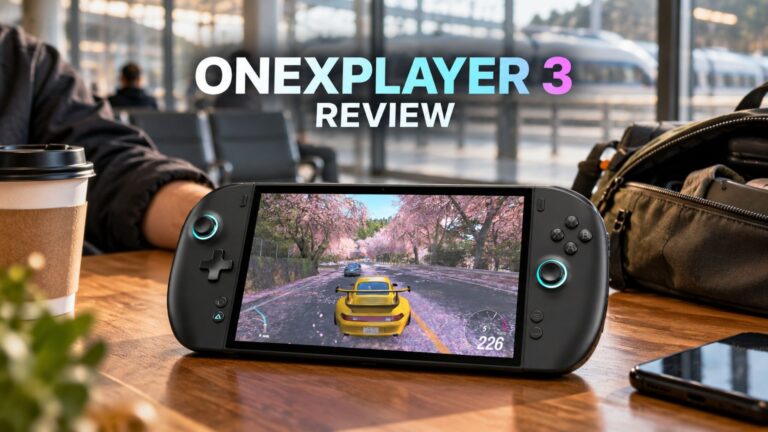 Gaming Handhelds ReviewsGaming Handhelds ReviewsOctober 14, 2026ONEXPLAYER 3 Review – 8.8-Inch AMOLED Gaming, Modular Controls and Surprising Battery LifeOur hands-on ONEXPLAYER 3 review tests gaming across power settings, system benchmarks, battery life, modular accessories and emulators on an 8.8-inch AMOLED Windows handheld.
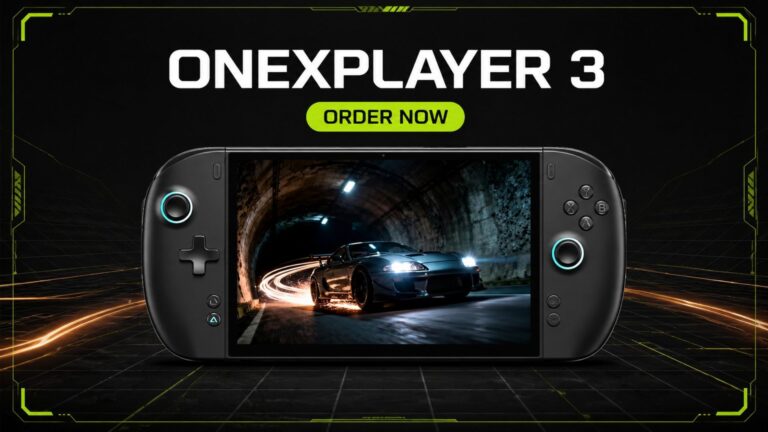 AnnouncementsAnnouncementsJuly 16, 2026ONEXPLAYER 3 Pre-order: Reserve your 3-in-1 Windows Handheld Gaming PCONEXPLAYER 3 pre-orders are now open at DROIX. Discover the confirmed Windows 11 Home handheld specifications, detachable-control design, 8.8-inch 144Hz AMOLED display, Intel Arc…
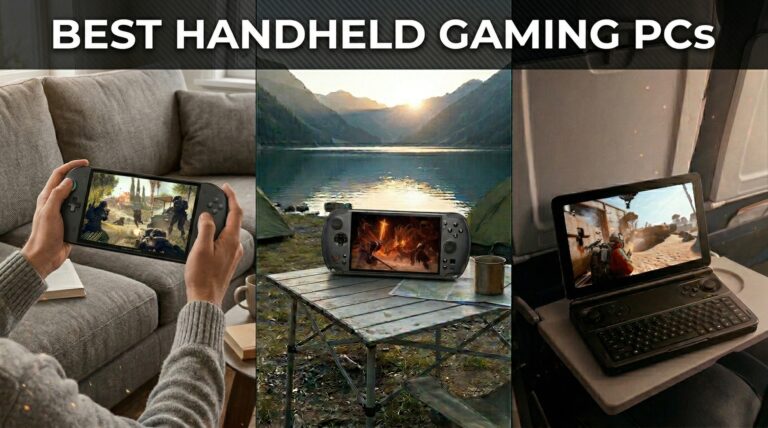 Buying GuidesBuying GuidesMay 19, 2026The Best Handheld Gaming PCs: Your Ultimate 2026 Buying GuideThe best handheld gaming PCs of 2026, ranked. GPD, ONEXPLAYER, AYANEO, Steam Deck & more, with benchmarks, specs & expert buying advice.
Step-by-step guides for the ONEXPLAYER 3 Keyboard from the DROIX Knowledge Base.
All 8 guidesNo downloads for the ONEXPLAYER 3 Keyboard yet.
Resource librarySpread the cost of your £47.94 order interest-free or over longer terms. Choose a provider at checkout — checking your options won’t affect your credit score.

3 payments of £15.98
0% interest · one third today, then every 30 days

4 payments of £11.99
0% interest · spread over 6 weeks, paid fortnightly

Spread the cost over 3 to 48 months
Eligibility and terms are confirmed at checkout

Flexible financing available
Eligibility and terms are confirmed at checkout

Pay directly from your bank account
Eligibility and terms are confirmed at checkout
18+, T&Cs apply. Credit subject to status & affordability checks. DROIX Ltd acts as a credit broker, not a lender, and offers finance from a panel of lenders. Choose your provider at checkout.
DroiX
In Stock
£7.14 - £69.54£8.34
BIWIN
In Stock
£146.34 - £560.34
GPD
In Stock
£7.14£11.99
DroiX
In Stock
£44.34£55.14