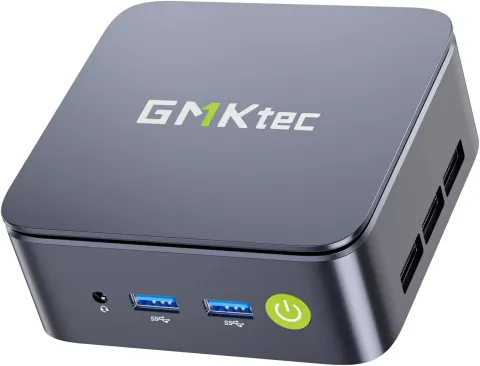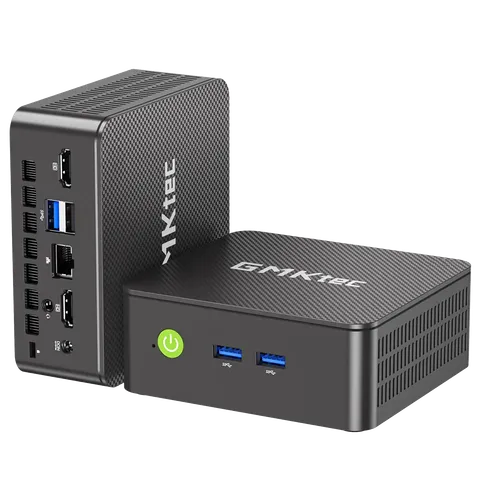


GMKTec
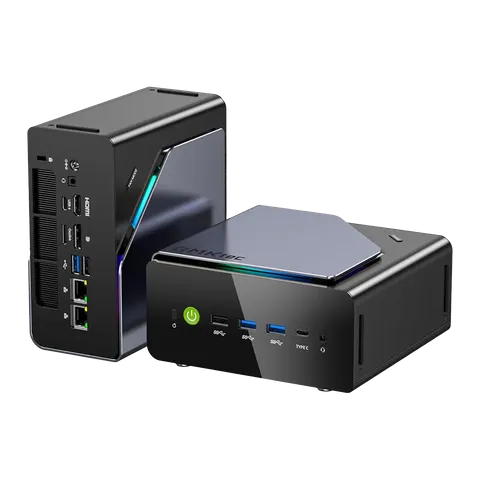
GMKTec K12
In Stock
£278.34
£895.14inc. VAT
 Intel Core Ultra
 Intel Graphics
 DDR5
 Wi-Fi 7
 Bluetooth 5.4
 Multi Display Output
 eGPU
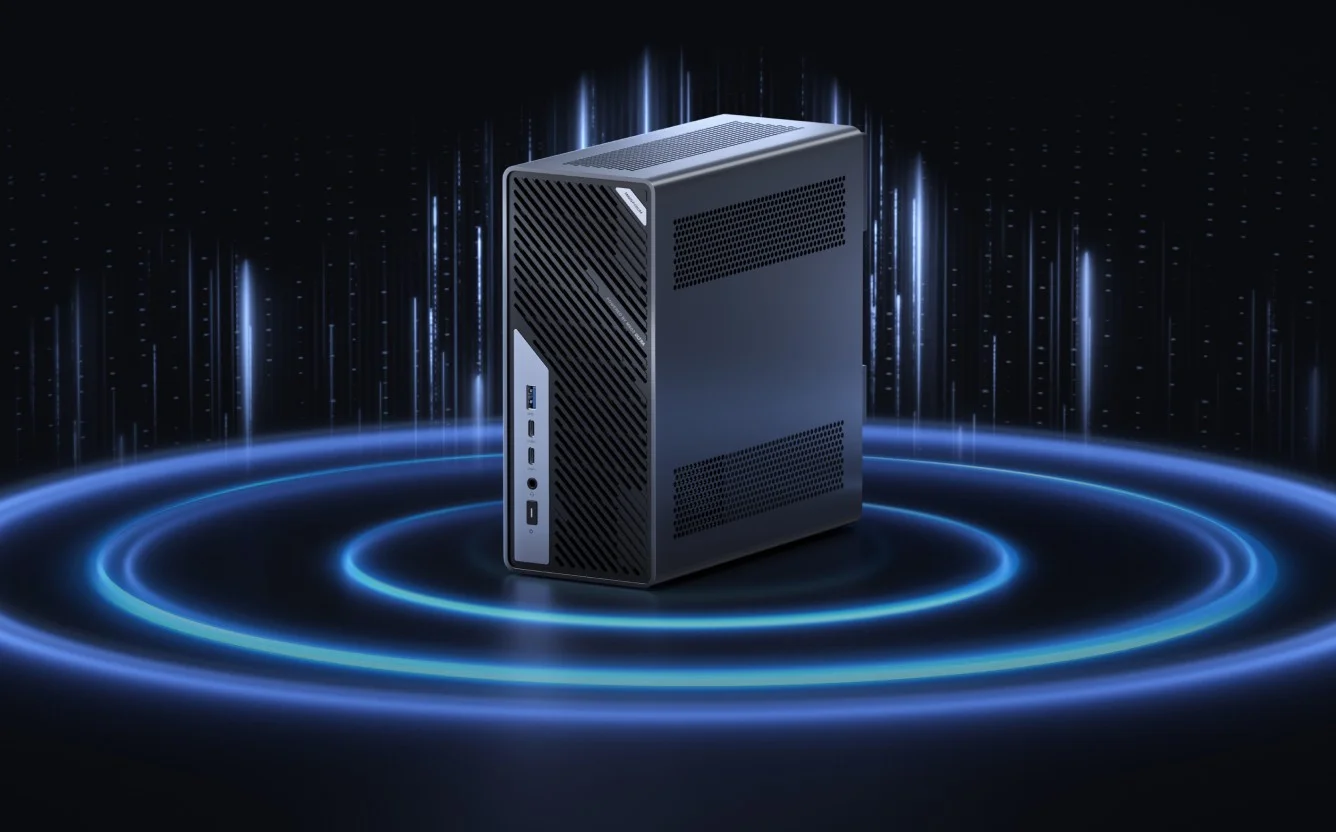
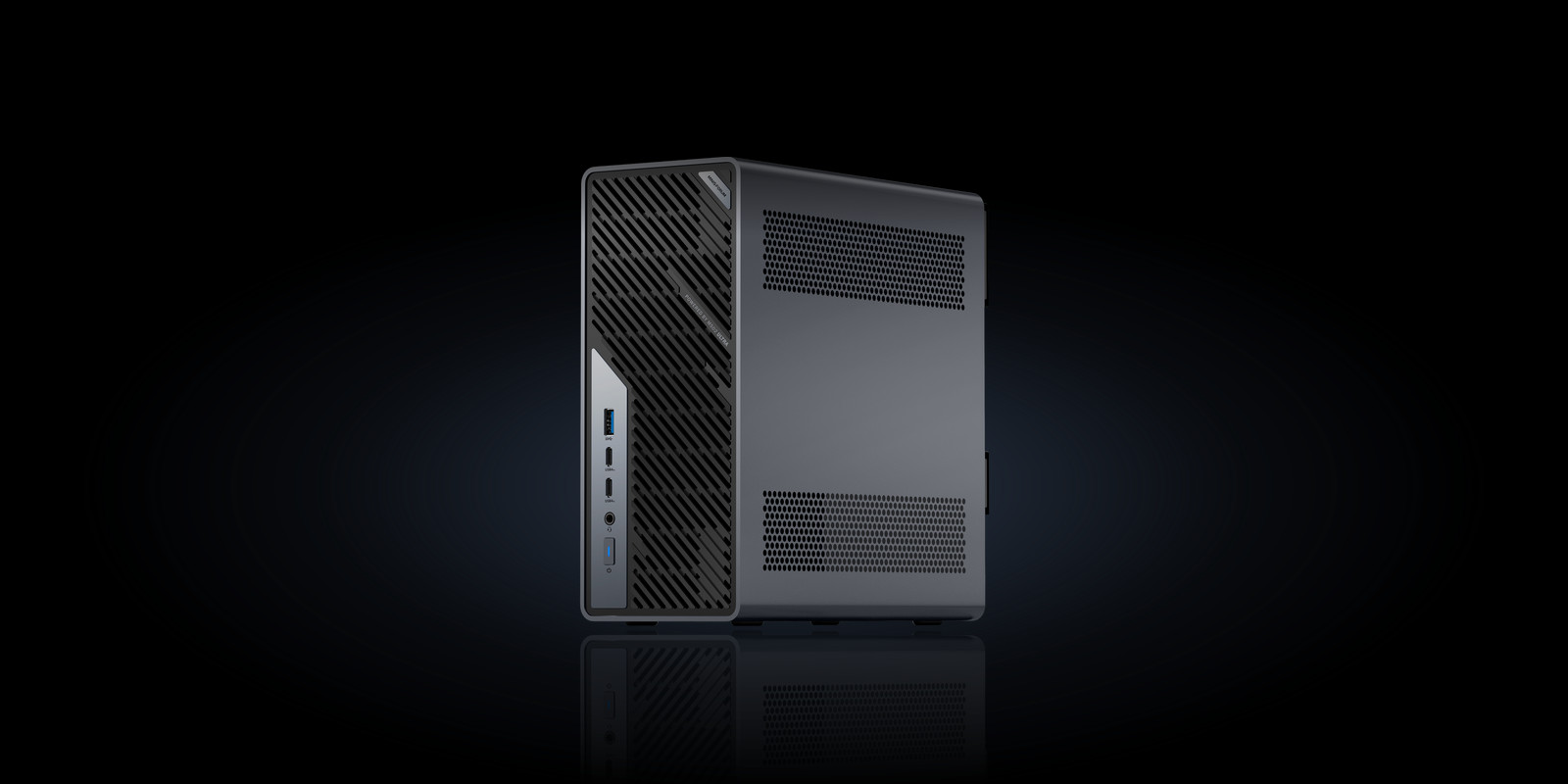
The MINISFORUM MS-02 Ultra is a mini PC built like a workstation. An Intel Core Ultra HX processor with up to 24 cores sits beside a PCIe x16 slot for a dual-slot desktop graphics card and a built-in 350W supply. On the 285HX, dual 25GbE SFP+ and ECC memory turn it into a serious home lab server.
Intel Core Ultra HX
Up to 24 cores, a desktop GPU slot, up to four NVMe drives and networking up to 25GbE, in a 4.8-litre case that sits on your desk rather than under it.
Networking
Dual
25GbE
Two SFP+ ports on the 285HX, beside 10GbE and 2.5GbE RJ45.
Graphics
x16
Takes a dual-slot desktop graphics card, powered by the built-in 350W supply.
Storage
Up to
4M.2
Four M.2 slots on the 285HX, two on the 235HX.
Mini workstation
Most small form factor PC designs give up expansion to save space. Minisforum took the opposite route. It built a 4.8-litre chassis around a desktop-style PCIe x16 slot and a 350W internal supply, then added server features you would normally find in a tower.
Yes, and it expands further than most compact machines. It runs an Intel Core Ultra HX processor, takes standard DDR5 SODIMMs and M.2 NVMe drives, and drives displays over HDMI 2.1 and USB4. What sets it apart from a typical tower is density. Up to 24 cores, a dual-slot graphics card and multi-gig networking share one 4.8-litre case, so it can live on a desk or shelf.
The downsides are size and power. ServeTheHome notes that the larger chassis gives up most of the usual small-PC size advantage, which puts it up against mini towers. Igor's Lab measured up to 214W under load, and the integrated graphics are modest. If you need none of 25GbE, ECC, vPro or a GPU slot, a simpler machine will serve you better. If you need them, few rivals pack them this tightly.
Desktop expansion, server networking and workstation memory, all in one compact chassis. all in one compact chassis.
Rear I/O
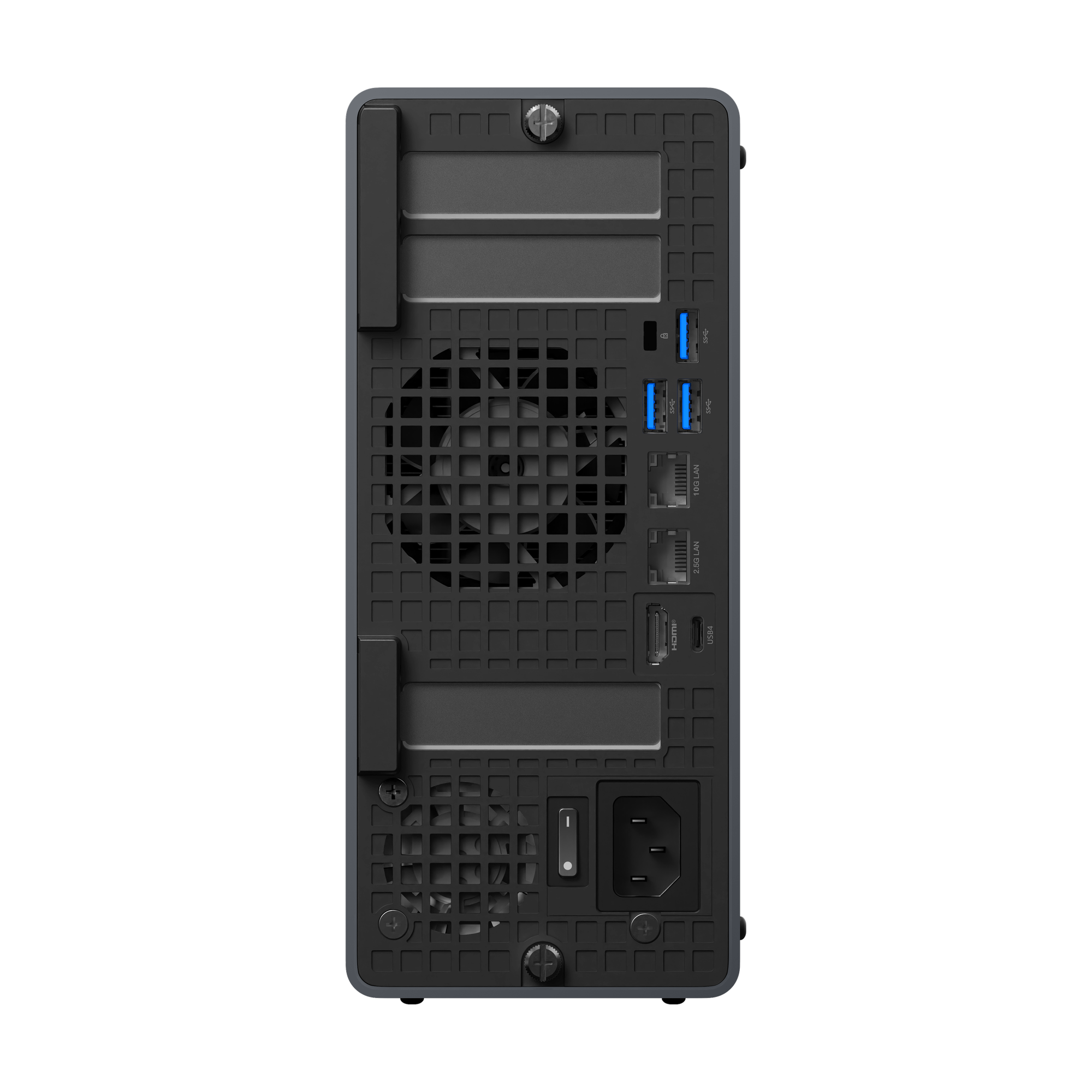
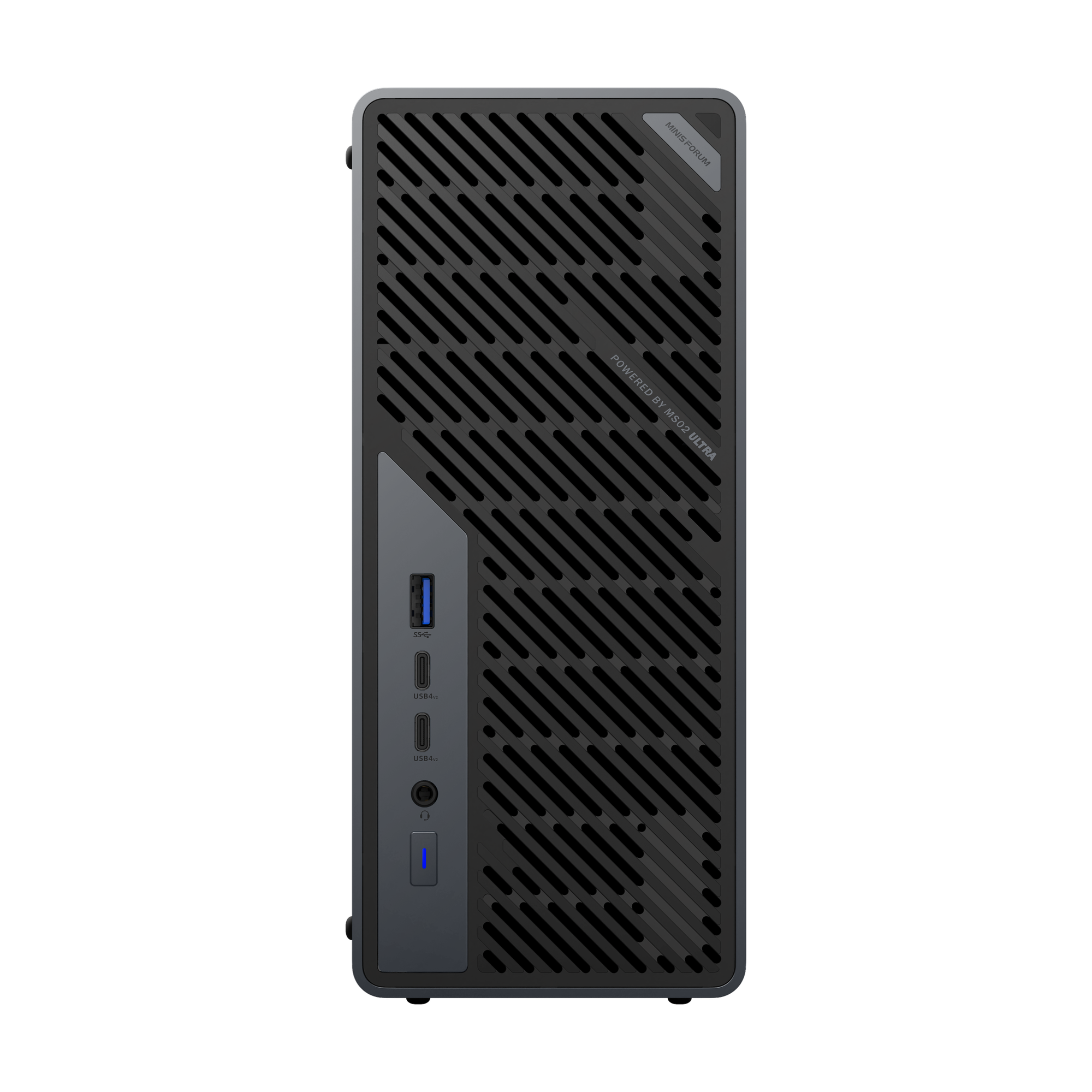
Turn this mini computer round and the rear panel reads like a small rack server. Core Ultra 9 285HX models add two 25GbE SFP+ cages to these ports3. Reviewers also note native four-display output.
USB-A 3.2 Gen 2 with 10GbE and 2.5GbE RJ45 LAN ports
HDMI 2.1 and USB4 for displays and fast external storage
Power switch and inlet for the built-in 350W supply
Rear fan grille venting the six-heatpipe, dual-fan cooler
Networking
Dual 25GbE is rare at this size. On Core Ultra 9 285HX models, two SFP+ ports join the 10GbE and 2.5GbE RJ45 sockets3. Storage, virtual machine traffic and management can each have a link of their own.

Dual
25GbE
SFP+ ports on the 285HX for fast storage traffic
10GbE
RJ45 port for high-speed copper networks
2.5GbE
Second RJ45 port for management or everyday LAN
You need a module or cable for each port you plan to use. Inside a rack, a direct-attach copper (DAC) cable is the simplest link to a nearby switch. For longer runs, fit compatible optical transceivers and fibre. The other end needs a matching port on a switch, NAS or second server. Once it is linked, large file copies, VM migrations and backups no longer wait on the network.
Only the Core Ultra 9 285HX models have the two 25GbE SFP+ ports. The Core Ultra 5 235HX keeps the 10GbE and 2.5GbE RJ45 sockets, which already run well beyond standard gigabit. Every model also has Wi-Fi 7 and Bluetooth 5.4. Gadreview scored the machine's connectivity 10 out of 10, its highest mark for any area.
Graphics expansion
This mini desktop computer has a PCIe x16 connector that takes a dual-slot desktop graphics card, powered by the built-in 350W supply. More than anything else, this slot separates it from ordinary compact machines.
x16
PCIe connector for a desktop graphics card
350W
Built-in power supply, with no external brick
2slot
Dual-slot desktop cards fit inside the case
It takes a dual-slot desktop graphics card, and with one fitted it becomes a capable gaming machine. The PCIe x16 connector draws on the internal 350W supply, so you are not limited to the integrated chip. Tom's Hardware tested it with a low-profile RTX 5060 and compared it with a desktop eleven times larger. Before you buy a card, check its size and power draw against the slot and the supply.
They are modest, and reviewers say so: Gadreview rated the graphics 6 out of 10. The built-in Intel Graphics cope with everyday desktop work across several displays. They are not designed to match chips with far higher memory bandwidth. For gaming, heavy editing or local AI inference, a discrete card is the intended route. The CPU's 100W and 140W limits apply only without one fitted1.
Processor
This Intel mini PC uses Arrow Lake-HX silicon. ServeTheHome found it consistently strong in single-threaded work, and Minisforum quotes over 37,000 in Cinebench R232. It runs at up to 100W sustained and 140W boost1.
Up to
24cores
8 Performance and 16 Efficient cores on the 285HX; 14 cores on the 235HX
Up to
5.5GHz
Maximum turbo on the 285HX for responsive single-thread work; 5.1 GHz on the 235HX
Up to
36MB
L3 cache on the 285HX to keep busy cores fed; 24 MB on the 235HX
Strong single threads first. Then all the room you need around them. all the room you need around them.
Memory and storage
This compact mini PC gives you four DDR5 SODIMM slots and up to four M.2 NVMe drives3. That is enough to host a hypervisor, a storage pool or a large local dataset without external boxes.

SODIMM slots hold up to 192GB in Minisforum's offered configurations.

Error-correcting memory and Intel vPro remote management for 24/7 operation, on the 285HX only.

NVMe PCIe 4.0 slots: four on the 285HX, two on the 235HX.

Two USB4 v2 ports for fast external drives and docks, plus a further USB4 port.

Built-in wireless networking and peripheral pairing on every model.
Yes, on the Core Ultra 9 285HX only3. ECC memory detects and corrects single-bit errors before they reach your data. That matters when a machine runs virtual machines or storage pools around the clock. Paired with Intel vPro for remote management, it gives you the feature set server builders look for. Minisforum also offers a ready-made 192GB ECC configuration.
It holds up to four M.2 NVMe PCIe 4.0 drives on the 285HX, which gains its extra slots from a card exclusive to that model. The 235HX has two. With four drives you can separate the operating system, virtual machine storage and a fast cache. You can also mirror pairs for resilience, with no external enclosure.
Yes: Wi-Fi 7 and Bluetooth 5.4 are built into every model, so it can join a network and pair a keyboard, mouse or headset without adapters. The wired ports remain the better choice for heavy transfers. Wireless keeps setup flexible when the nearest switch is across the room.
Thermals
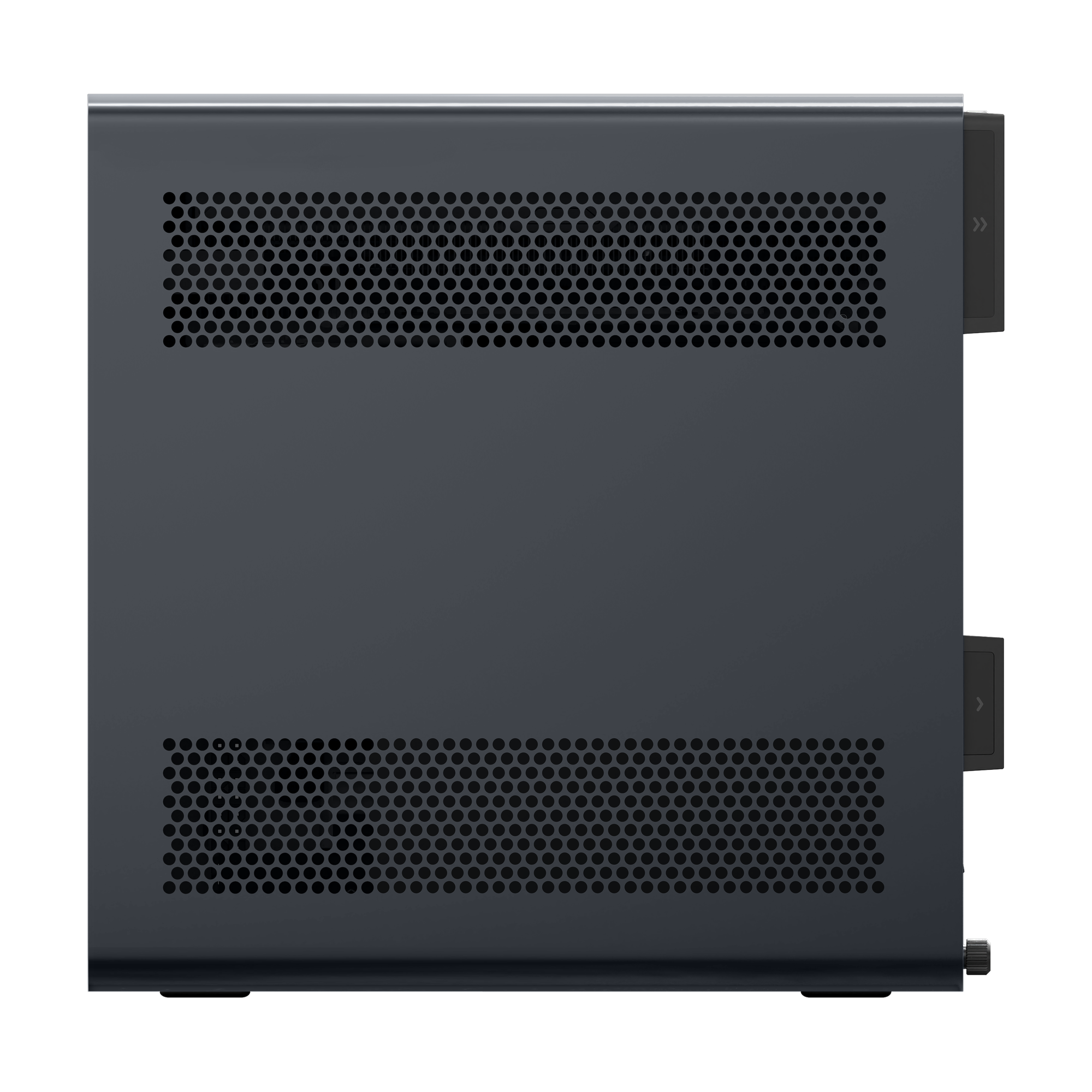
Six heatpipes, two fans, phase-change material and server-like air guidance keep the HX processor working through long jobs. Plan for real power draw, and give the vents room to breathe4.
Heatpipes
Six, moving heat off the CPU
Fans
70mm and 60mm units
Interface
Phase-change thermal material
Airflow
Server-style air guidance
Peak draw
Up to 214W measured under load
Turbo window
About 30 s, then long-term limit
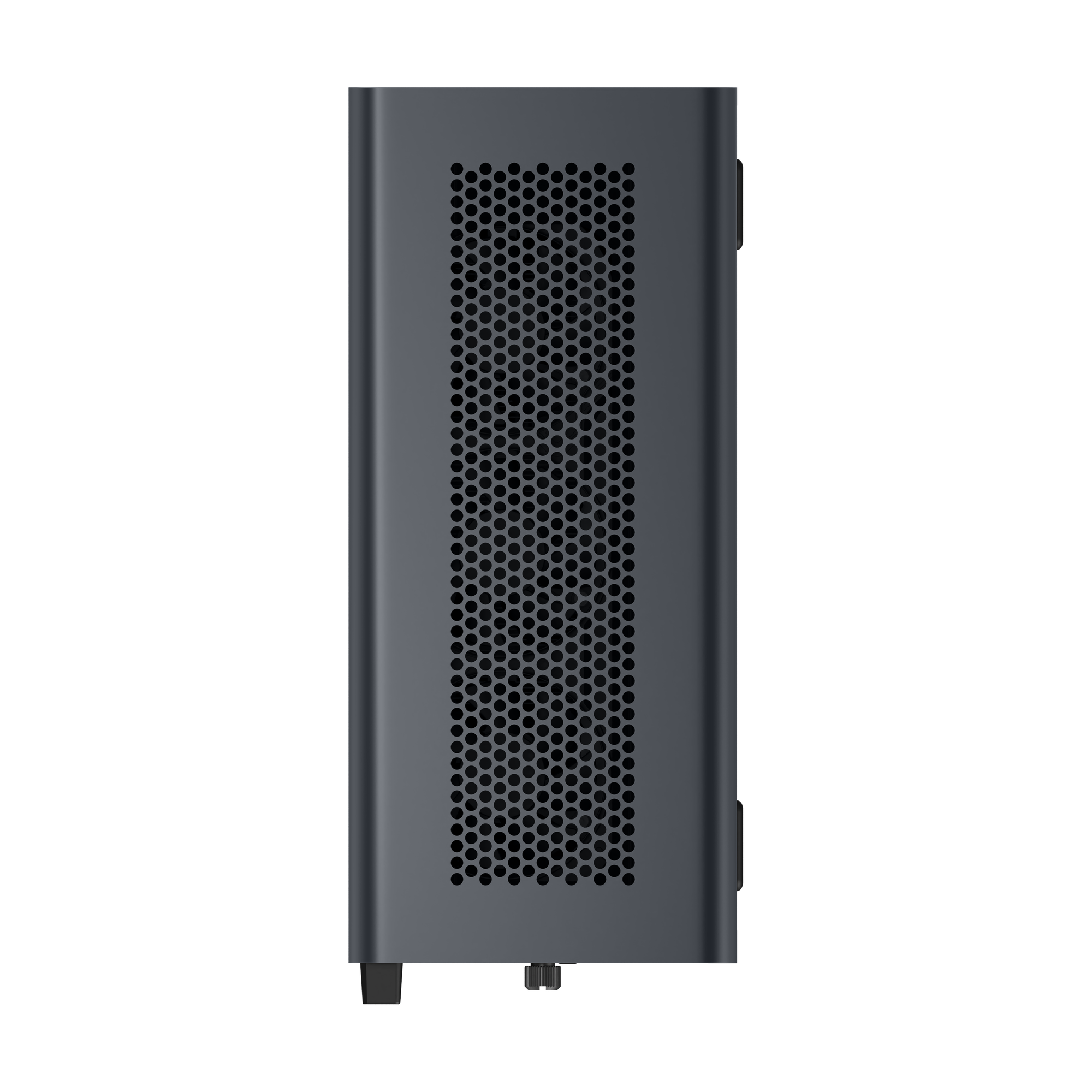
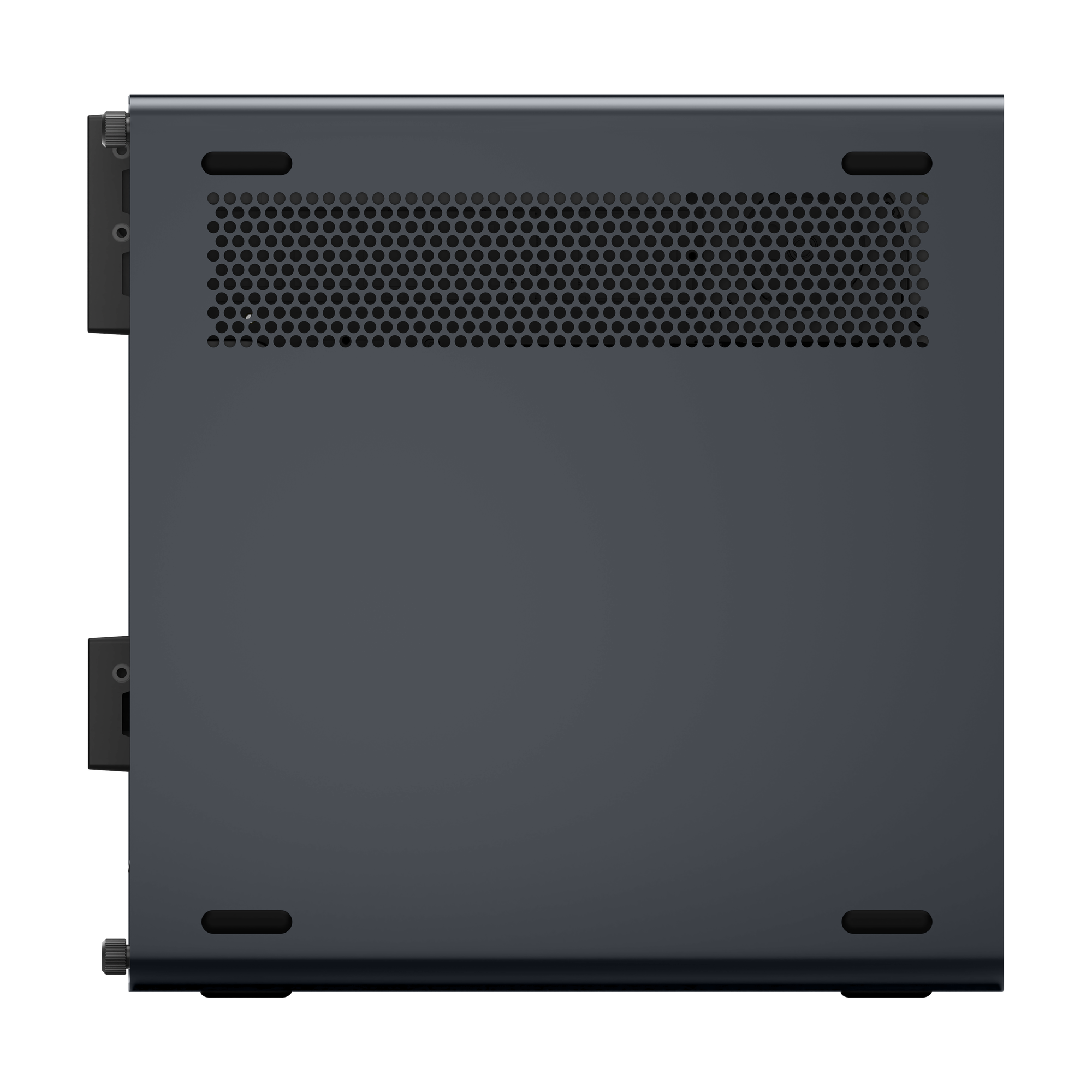
This one produces real heat, and it is built to move it. Tom's Hardware describes six heatpipes, 70mm and 60mm fans and phase-change thermal material, while Igor's Lab notes server-like air guidance through the case. That matters because Igor's Lab measured power draw rising to 214W under load4. Keep the perforated side panels and rear grille clear so the airflow path can do its job.
About 30 seconds, by ServeTheHome's measurement, before the processor settles to its long-term limit4. Short tasks such as compiles, exports and app launches finish inside that burst. Longer renders and virtual machine workloads run at the sustained level, which the cooler is sized to hold. Without a discrete card, Minisforum sets PL1 at 100W and PL2 at 140W on the 285HX1.
The specifications tell you what it is. The work tells you why. The work tells you why.
Who it suits
TechRadar names creatives, home lab enthusiasts, AI developers and business users as its audience. ServeTheHome adds anyone who needs a high-end GPU in a small case, 25GbE out of the box, or both.
For most home labs, yes. Up to 24 cores spread well across virtual machines and containers, and the four SODIMM slots hold up to 192GB. On the 285HX, ECC and vPro suit 24/7 running3. Up to four NVMe drives and dual 25GbE let it double as a fast storage node. The trade-off is a larger case than typical small machines.
Yes, once you add a discrete graphics card. The PCIe x16 slot is how creatives and AI developers get there. The card takes on rendering and inference, and the HX processor's strong single-thread speed keeps editing software responsive. Up to four NVMe drives keep media and models on fast local storage. Reviewers also note four-display output for a wide workspace.
Rack shelf
A hypervisor spreads lab VMs across up to 24 cores and up to 192GB of memory. On the 285HX, ECC guards long-running workloads and vPro lets you manage the box remotely. It needs no monitor or keyboard.
NAS cupboard
Up to four NVMe drives hold your fast tier, and dual 25GbE SFP+ on the 285HX links them to a switch or a second server. Backups and VM migrations then finish while you still have a coffee to hand.
Studio desk
A dual-slot graphics card in the PCIe x16 slot handles grading and effects. Several displays run timelines and previews side by side, while USB4 v2 at 80Gbps moves camera media to and from external drives quickly.
Bring your own
For builders who already own DDR5 SODIMMs and NVMe drives, or want to pick their own ECC modules. You get the full 285HX platform: 24 cores, ECC, vPro, dual 25GbE SFP+ and four M.2 slots.
24 cores, 5.5 GHz, no RAM or SSD fitted
Ready to run
Ready on day one for editing, development or a first home lab, with the same ECC-capable platform and 25GbE networking. Add SODIMMs and drives as your workload grows.
32GB RAM, 1TB SSD, four M.2 slots
Maximum memory
Built for virtualisation and large datasets from the start. 192GB of ECC memory leaves room for many virtual machines or a large in-memory dataset, and 2TB of NVMe storage comes fitted.
192GB ECC RAM, 2TB SSD, 24 cores
Core essentials
For buyers who want the GPU slot, 10GbE and USB4 v2 without the server features. Choose it barebone or with 32GB RAM and a 1TB SSD. It has two M.2 slots and no 25GbE, ECC or vPro.
14 cores, 5.1 GHz, 24 MB L3, two M.2
Reception
ServeTheHome named it the New Home Lab King, noting that the larger chassis gives up much of the usual size advantage. Notebookcheck counts it among the most powerful Intel-based small PCs, and TechRadar places it between compact machines and the desktop.
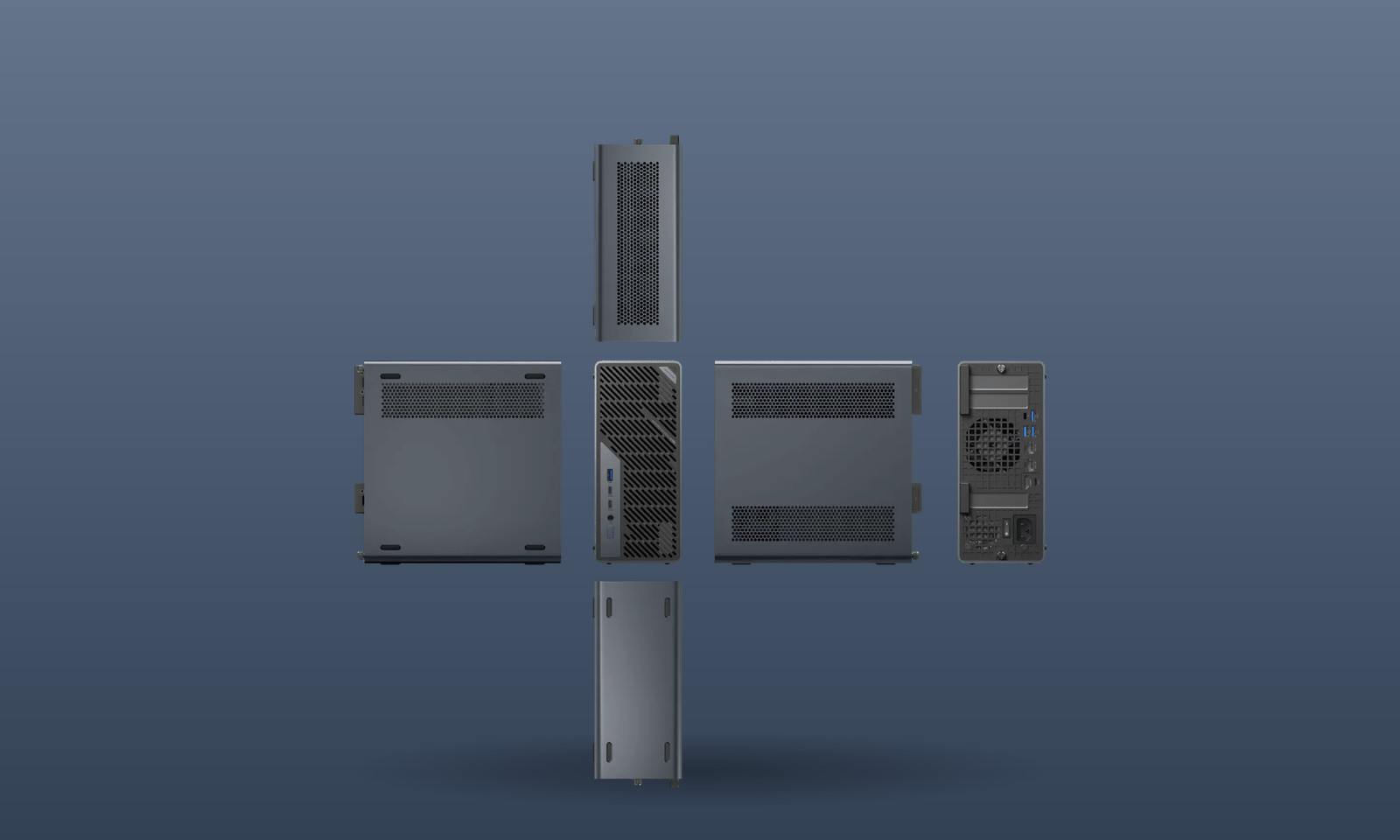
Bigger than most small PCs. Every port and slot earns its place. Every port and slot earns its place.
Who it's for
The MS-02 Ultra is for people who need server networking, ECC memory and a GPU slot on a desk, and who accept a larger case to get them.
Run virtual machines, containers and storage around the clock on the 285HX, with ECC, vPro and dual 25GbE SFP+ linking it to your NAS and switch.
Add a dual-slot graphics card to the PCIe x16 slot for editing, rendering and local inference, with up to four NVMe drives for media and models.
Workstation-class processing and vPro remote management on the 285HX, in a 4.8L case that fits on a desk instead of in a server room.
Specifications for every configuration, from the 235HX barebone to the 285HX with 192GB ECC, are listed below.
1. PL1 of 100W and PL2 of 140W apply to the Core Ultra 9 285HX in systems without a discrete graphics card installed.
2. The Cinebench R23 score of over 37,000 is Minisforum's own claim for the Core Ultra 9 285HX.
3. Dual 25GbE SFP+, ECC memory, Intel vPro and four M.2 slots are available on Core Ultra 9 285HX models only; the 235HX has two M.2 slots.
4. Power and turbo figures come from Igor's Lab and ServeTheHome testing; actual draw depends on configuration and workload.
SKU: MF-MS-02_ULTRA-U5_235HX-32GB_RAM-1TB_SSDCategories: Mini PCs, NUCs, Intel Mini PCs, Mini PC with Windows 11, Mini PCs with Windows 10, Ryzen Mini PCs, Intel NUC, Gaming Mini PCs, Mini PCs for Video Editing
Reviews, guides and news about the MINISFORUM MS-02 Ultra from the DROIX Blog.
All 6 articles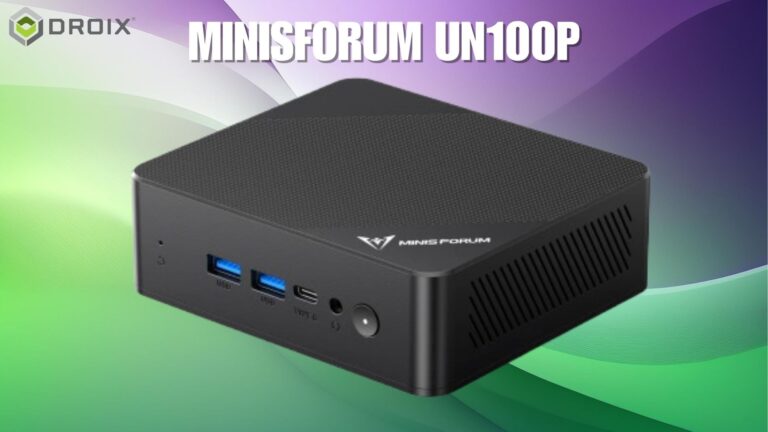 September 13, 2024Minisforum UN100P Announced: Intel 12th Gen Alder Lake Mini PC with 4K Triple DisplayThe Minisforum UN100P has been revealed, lets see what this low cost Intel mini PC can do for you.
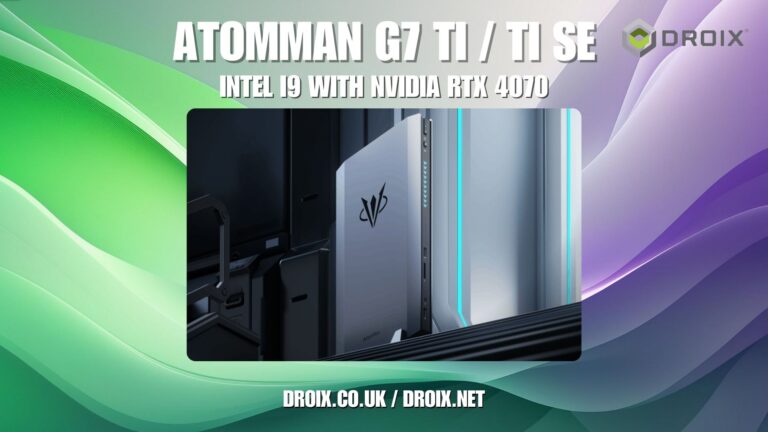 August 7, 2024Minisforum AtomMan G7 Ti Gaming Mini PC with RTX 4070 GPUExperience high-performance gaming and content creation with the Minisforum AtomMan G7 Ti Gaming Mini PC Up to Intel Core i9 processor and Nvidia GeForce…
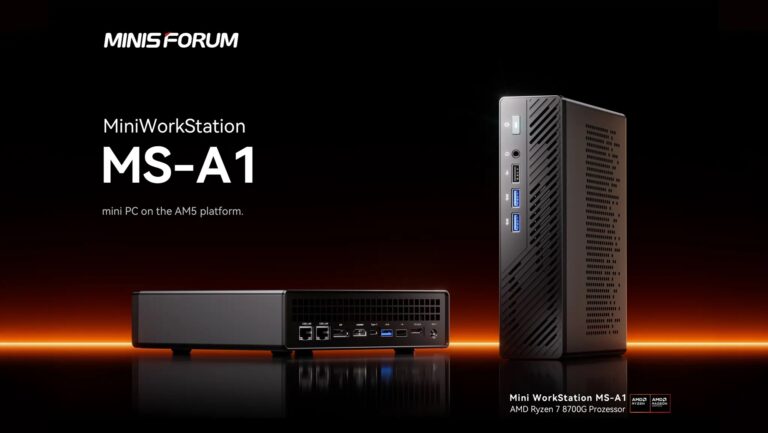 July 23, 2024Minisforum MS-A1 Mini PC announced: The Ultimate AMD Ryzen Powerhouse with OCuLink IntegrationDiscover the ultimate power of the Minisforum MS-A1 Mini PC, featuring AMD Ryzen 8700G CPU, OCuLink integration, and high-performance graphics for gaming and more.
Step-by-step guides for the MINISFORUM MS-02 Ultra from the DROIX Knowledge Base.
All 8 guidesNo downloads for the MINISFORUM MS-02 Ultra yet.
Resource librarySpread the cost of your £895.14 order interest-free or over longer terms. Choose a provider at checkout — checking your options won’t affect your credit score.

3 payments of £298.38
0% interest · one third today, then every 30 days

4 payments of £223.79
0% interest · spread over 6 weeks, paid fortnightly

Spread the cost over 3 to 48 months
Eligibility and terms are confirmed at checkout

Flexible financing available
Eligibility and terms are confirmed at checkout

Spread the cost over 6 to 12 months
Eligibility and terms are confirmed at checkout

Pay directly from your bank account
Eligibility and terms are confirmed at checkout
18+, T&Cs apply. Credit subject to status & affordability checks. DROIX Ltd acts as a credit broker, not a lender, and offers finance from a panel of lenders. Choose your provider at checkout.
GMKTec
In Stock
£278.34
GMKTec
In Stock
£158.34
GPD
In Stock
£1504.74 - £1903.14
GMKTec
In Stock
£295.14