







 , please spend more than £50


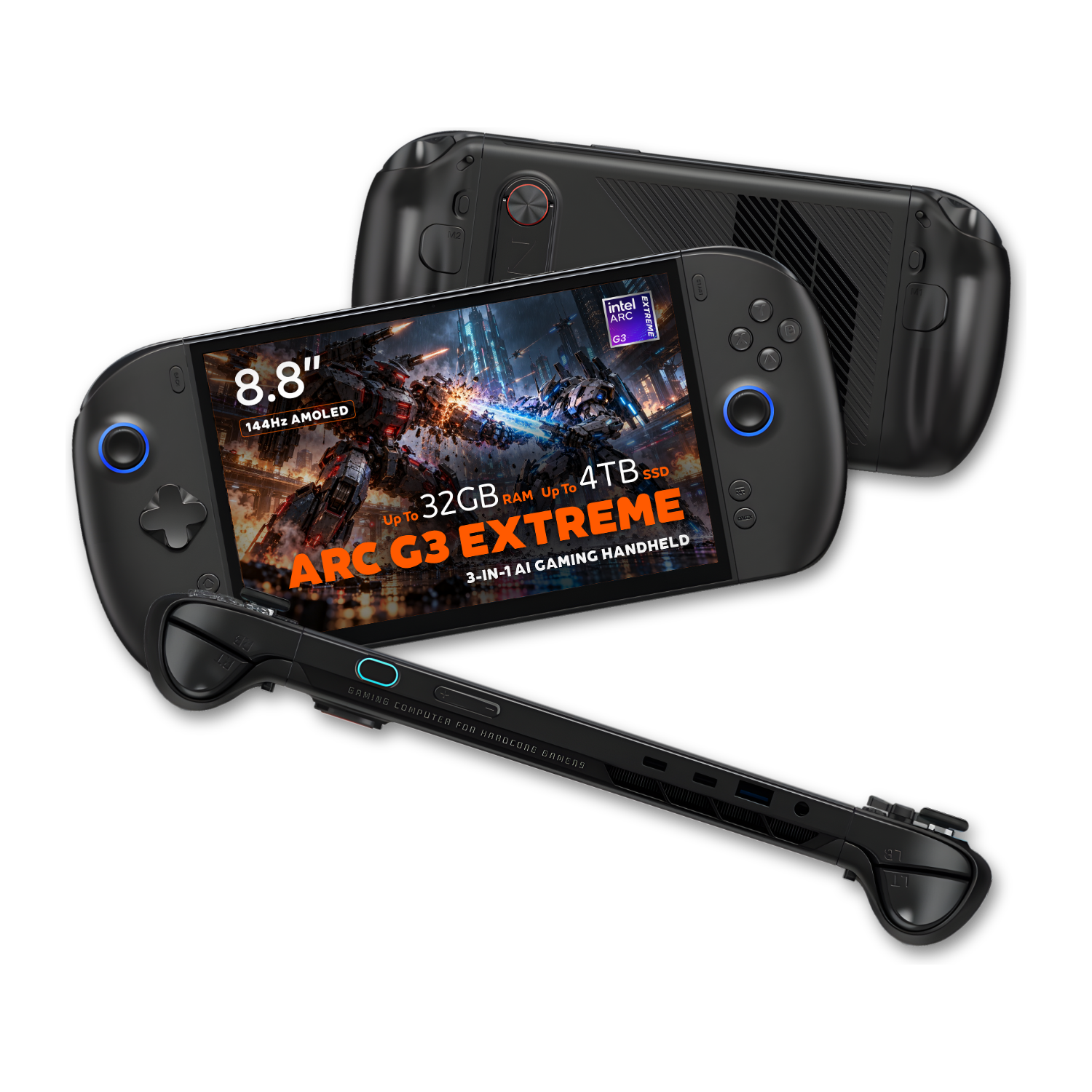
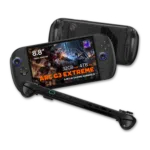
ONEXPLAYER 3: handheld play, full Windows flexibility
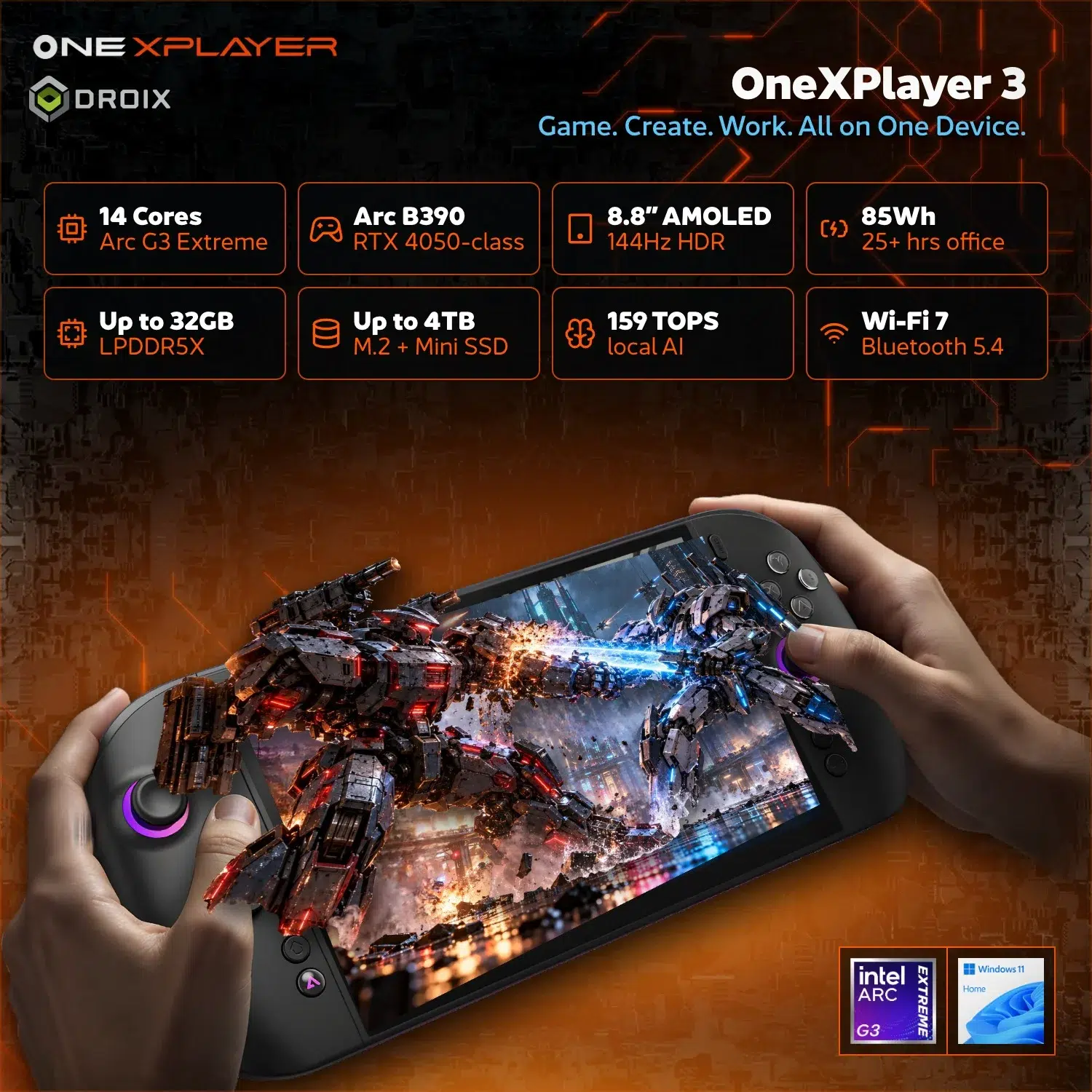
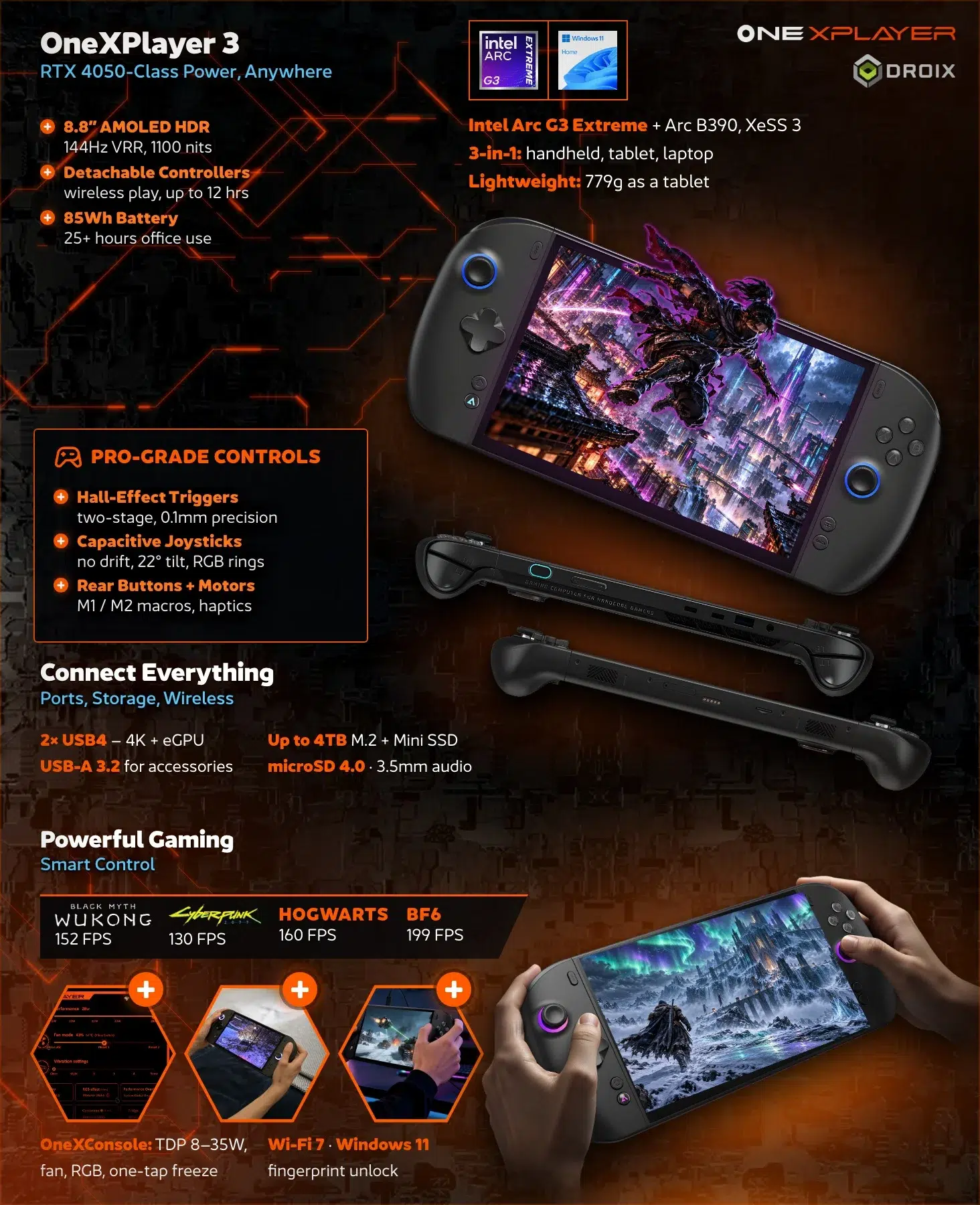
The ONEXPLAYER 3 combines an 8.8-inch AMOLED touchscreen, detachable controllers and Windows 11 Home in a portable gaming PC. Intel Arc G3 Extreme processing and Arc B390 graphics power your games and everyday applications, while an 85Wh battery supports use away from the desk. Choose handheld, tablet or magnetic-keyboard use to suit what you are doing.
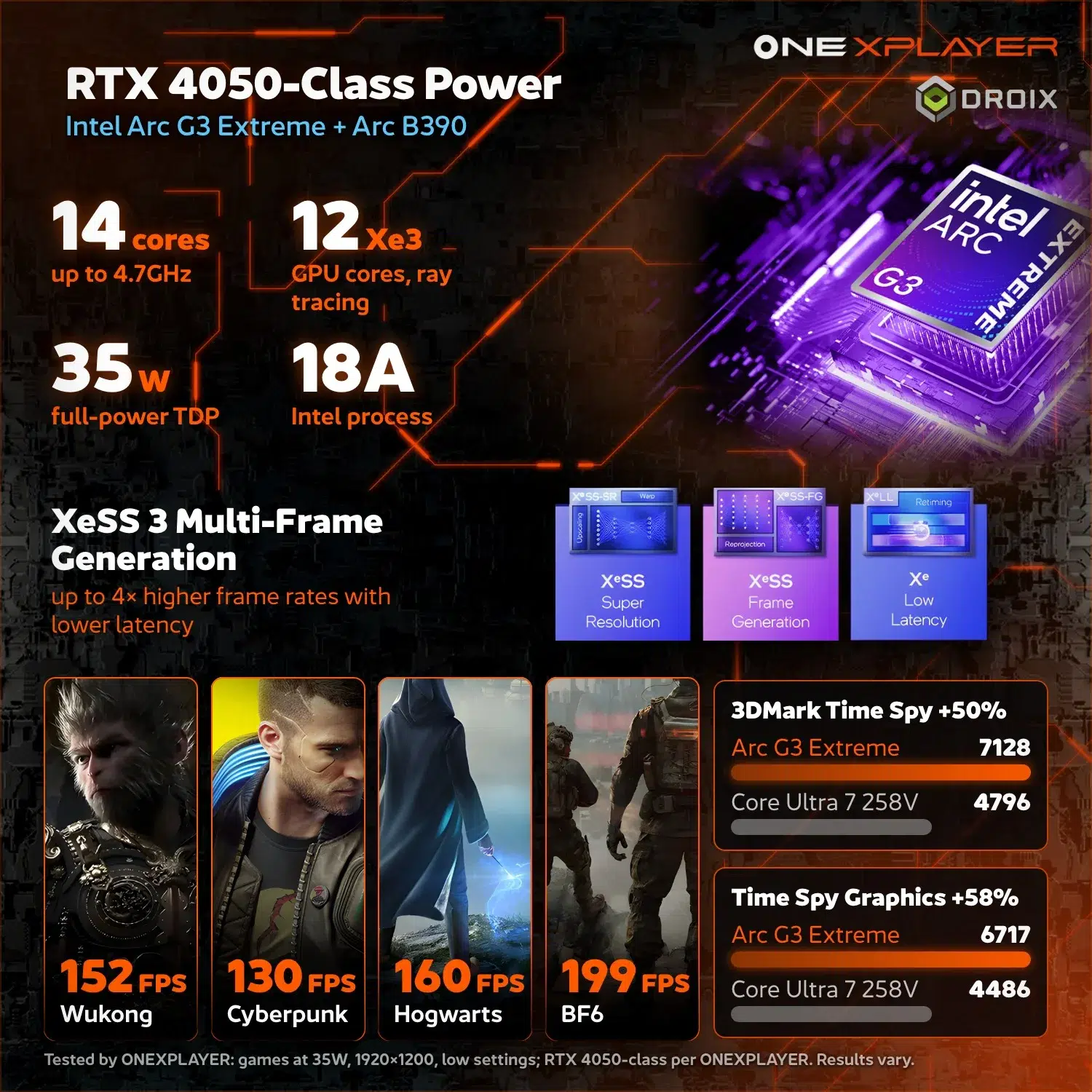
Intel performance for your PC library
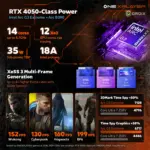
The Intel Arc G3 Extreme platform pairs with integrated Intel Arc B390 graphics, keeping the processor and graphics inside one handheld. Windows gives you access to familiar PC software and services such as Steam and the Xbox PC app. Game compatibility and performance still depend on each title, its settings and the selected power profile.
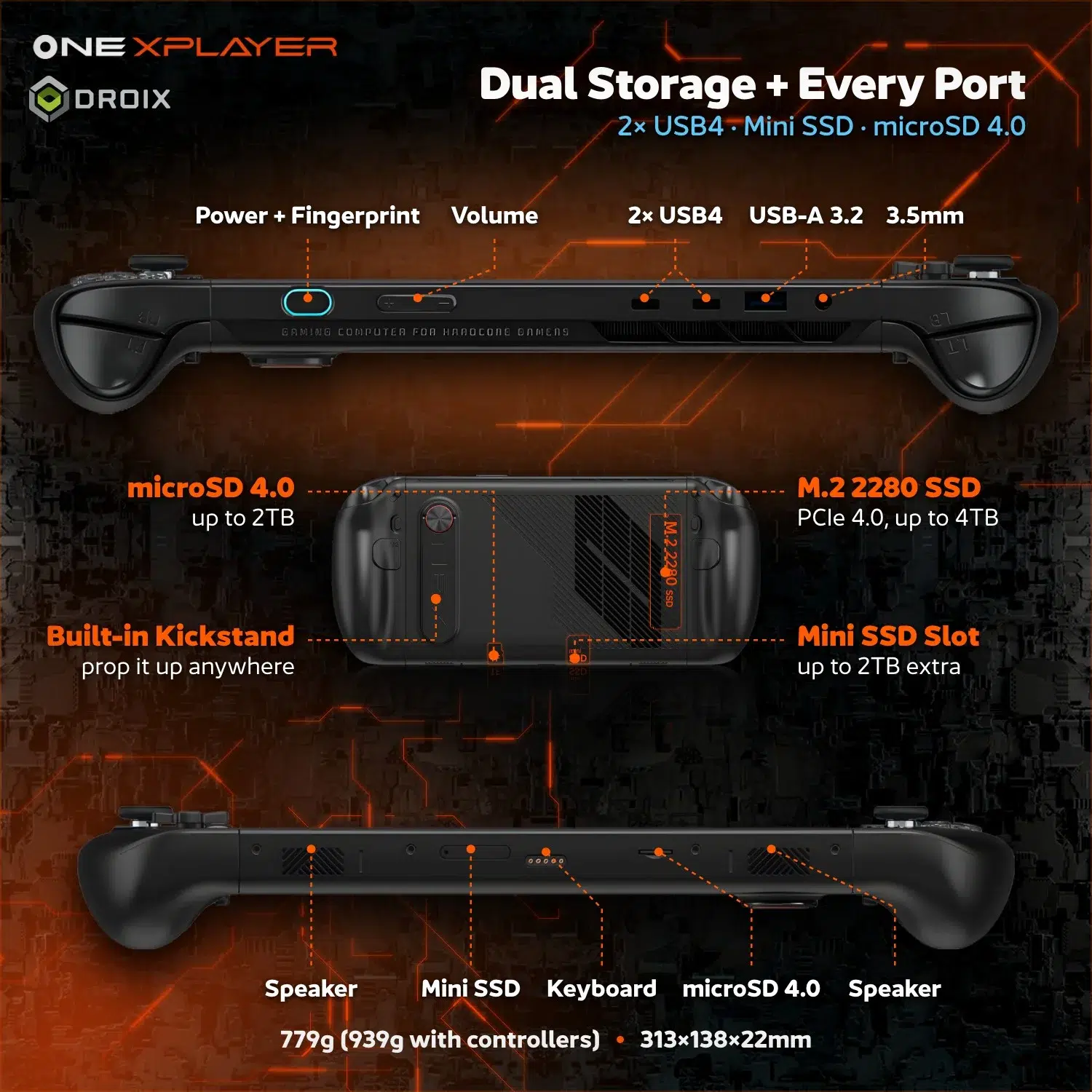
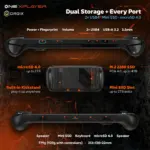
Configurations offer 24GB or 32GB of LPDDR5X memory, with NVMe SSD options from 512GB to 4TB. Choose the combination around your game library and multitasking needs rather than capacity alone. A microSD slot and Mini SSD expansion provide additional storage options; the selected configuration determines the memory and internal SSD supplied.
An AMOLED view, built for play
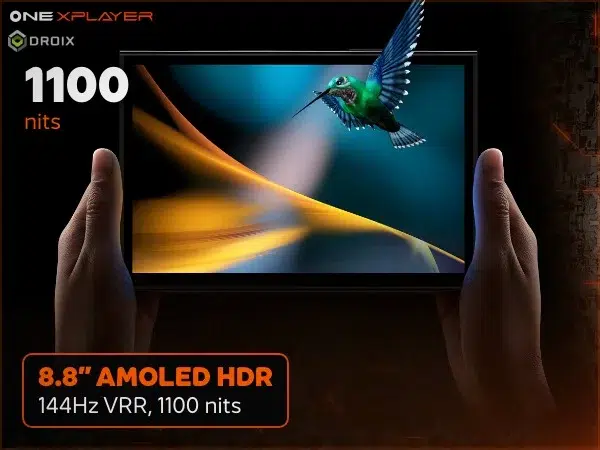
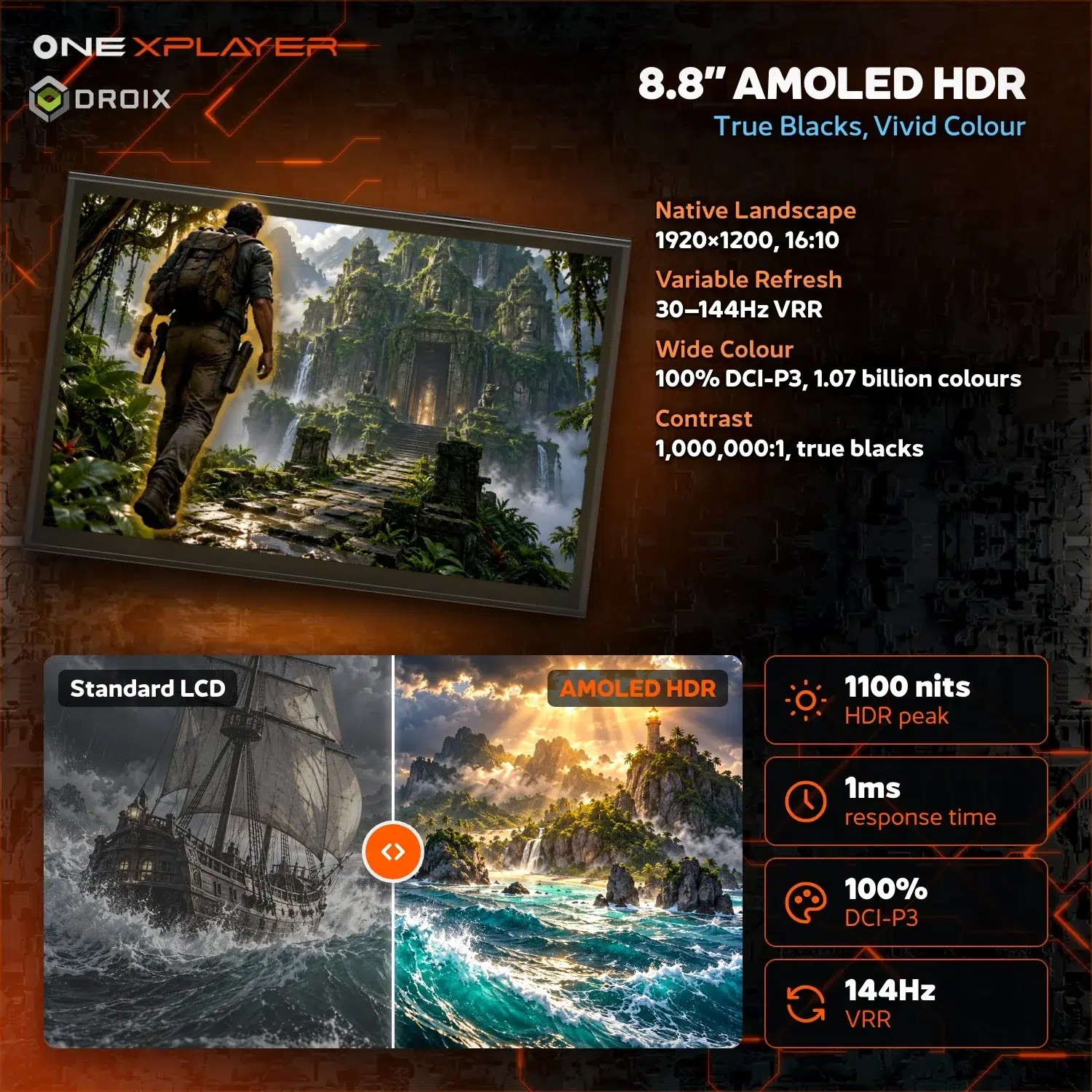
8.8-inch clarity at 144Hz
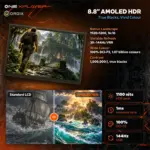
The 1920×1200 AMOLED touchscreen uses a 16:10 aspect ratio, giving games, desktop windows and touch controls room to breathe. Its 144Hz refresh rate supports a fluid presentation, while the supplied display artwork highlights HDR and VRR. Touch input also makes quick selections and navigation possible when you are using the device without a mouse.
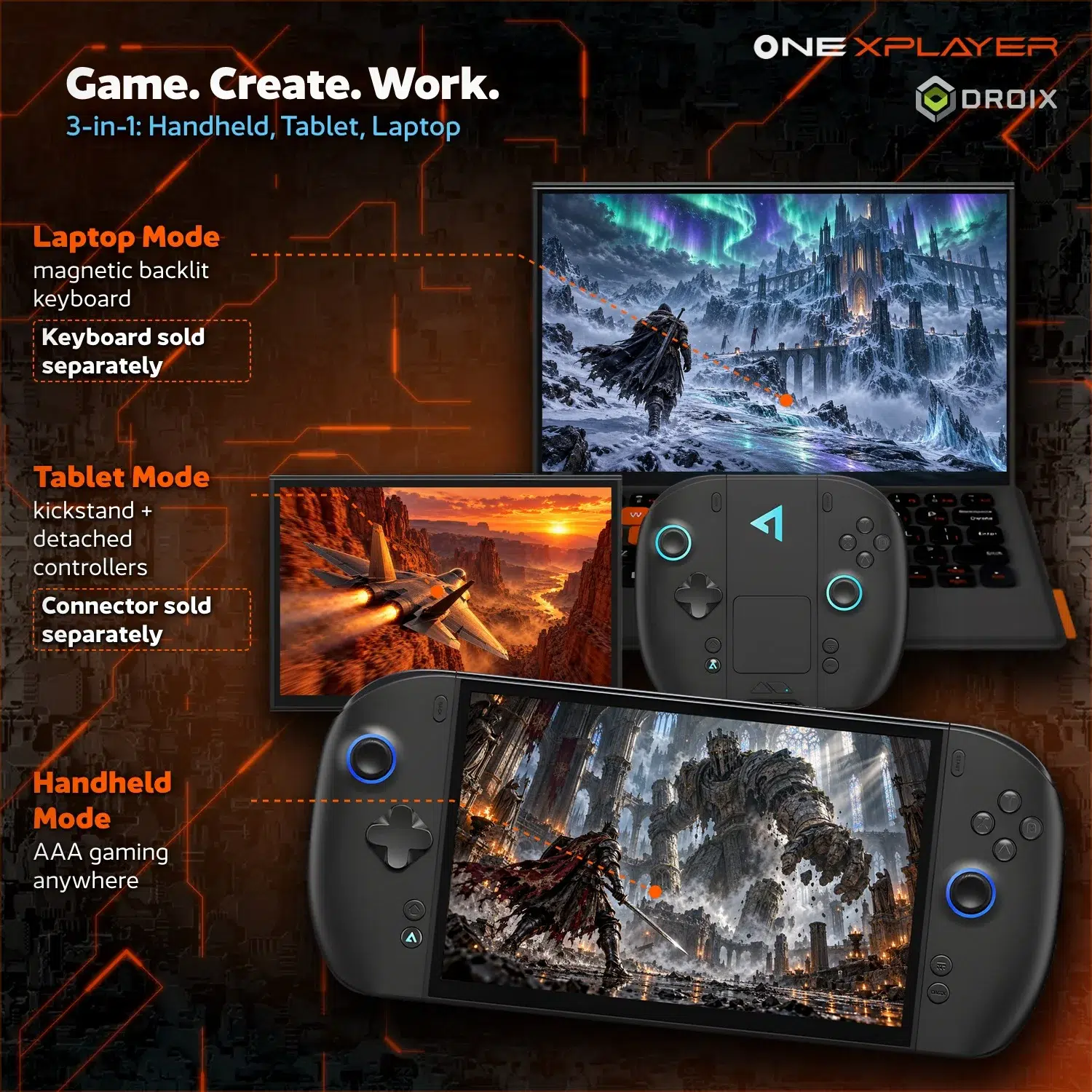
The screen is useful beyond gaming: detach the controllers for tablet-style browsing or reading, then return to handheld mode without moving your applications to another device. Refresh rate describes the display, not a promise that every game will run at 144 frames per second.
One device, more ways to play
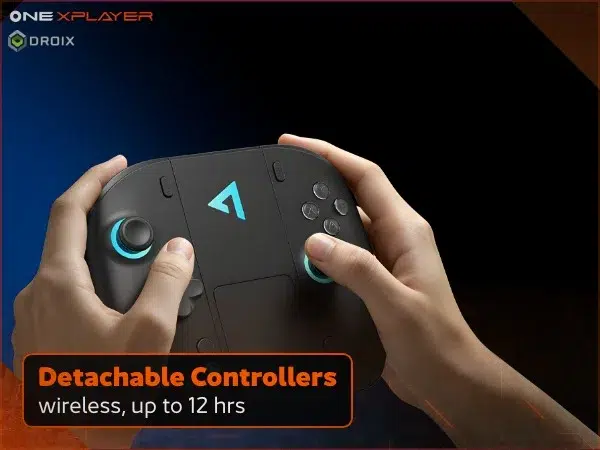
Detachable wireless controllers
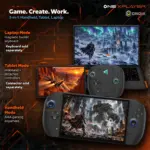
Keep the controllers attached for handheld play or separate them for a more relaxed setup. Their wireless design lets you position the display independently of your hands. A magnetic keyboard setup provides another way to use the same Windows device for messages, documents and everyday work.
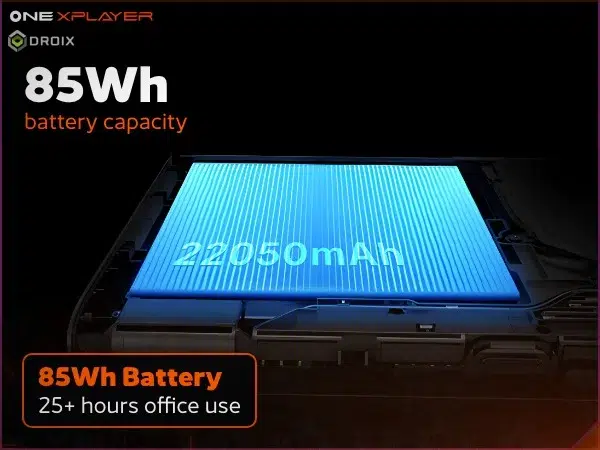
85Wh power for portable use
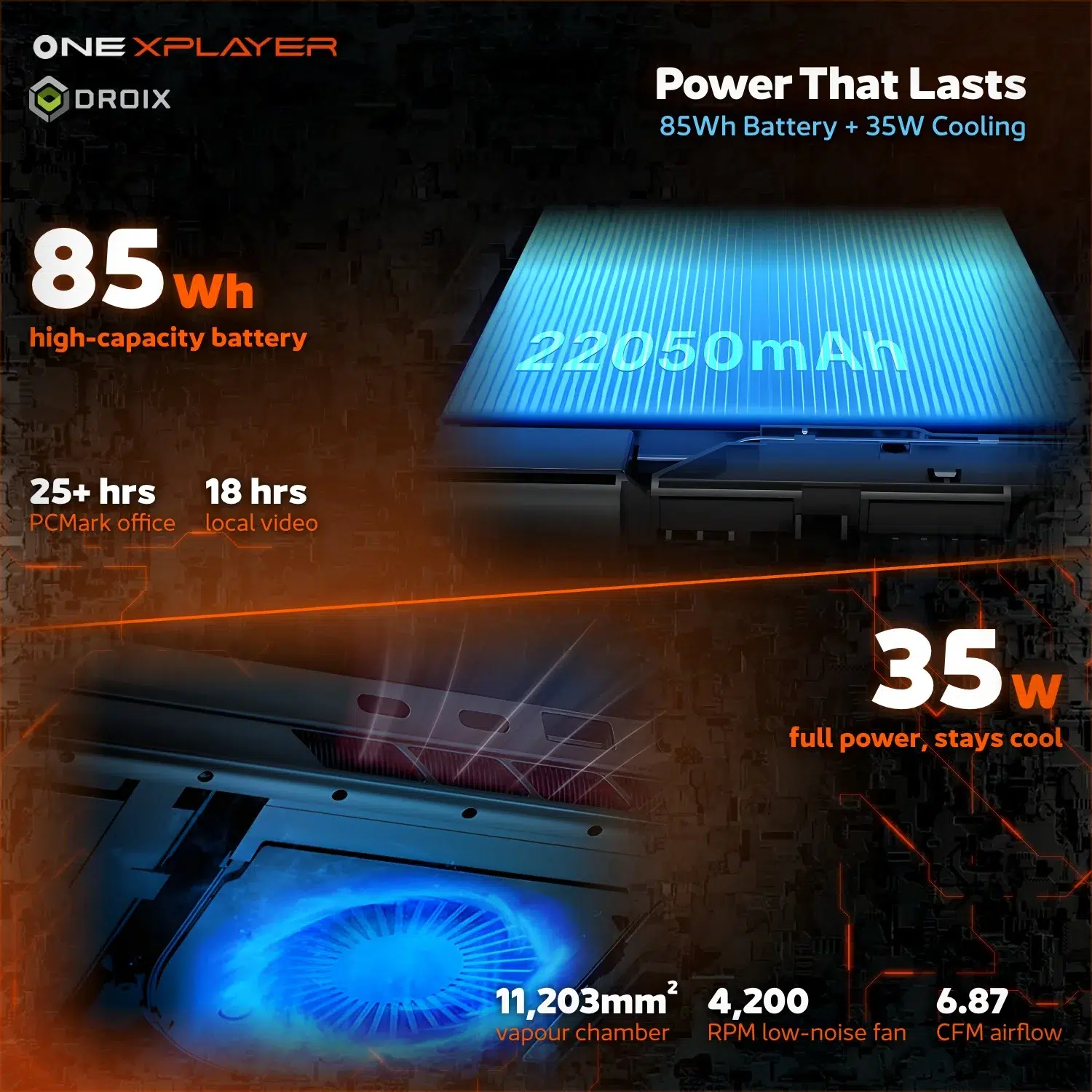
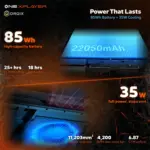
An 85Wh Li-Po battery is built into the handheld, giving the portable design a substantial energy reserve. Actual runtime varies with game load, brightness and power settings. The office-use figure in the artwork is not a gaming-runtime guarantee, and controller battery life is separate from the main system.
Precision controls, complete command
A familiar D-pad, ABXY buttons, shoulder controls and dual joysticks keep the core gaming layout close at hand. The next three panels focus on trigger input, stick movement and the extra controls that make a Windows handheld practical.
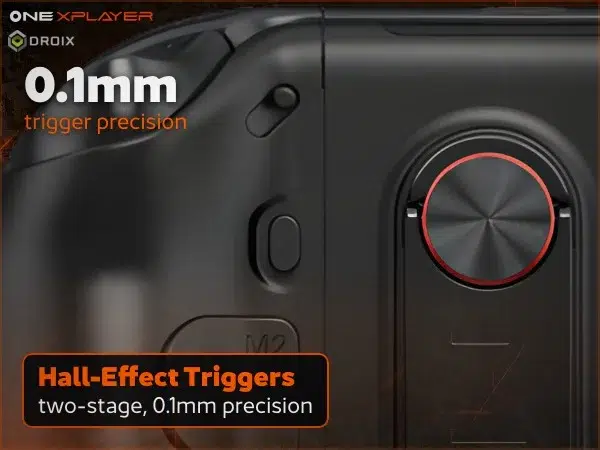
Hall-effect triggers
Hall trigger technology provides analogue input for games that support it. The supplied artwork highlights two-stage operation, useful when switching between different control styles. Trigger response and in-game behaviour depend on the title and its control settings.
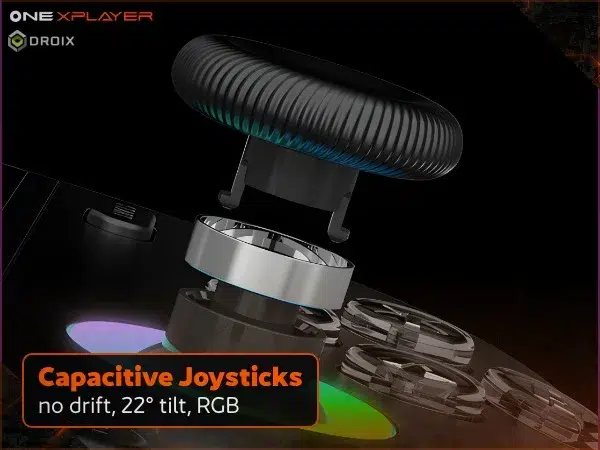
Joystick control and RGB
Dual joysticks handle movement and camera control, with RGB rings adding a visible accent around the sticks. The joystick artwork highlights its capacitive design and tilt range. These are hardware features, not a guarantee that every game or control profile will behave identically.
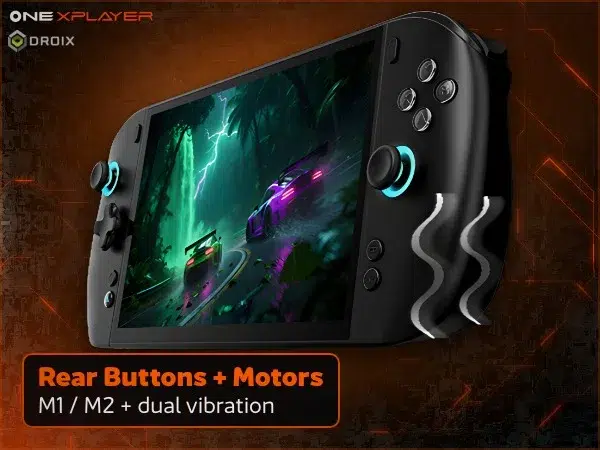
Rear shortcuts and physical feedback
Rear M1/M2 controls provide additional inputs without replacing the main face buttons. Rumble adds physical feedback, and the gyroscope supports motion-style input where the software allows it. A touchpad helps with Windows navigation when a gamepad alone is awkward, reducing the need to reach for an external mouse.
Tune, connect and keep playing
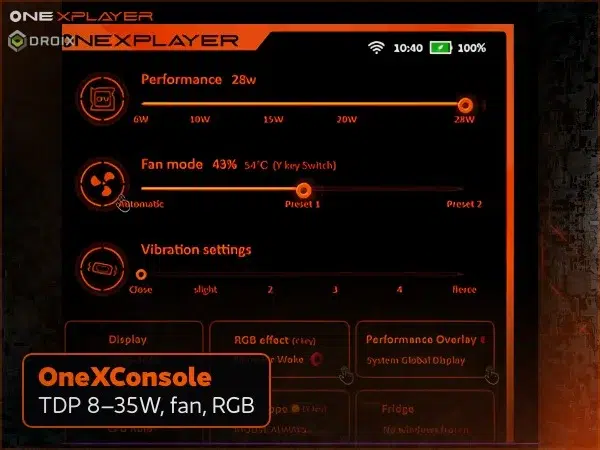
OneXConsole at your fingertips
OneXConsole brings performance, fan and RGB settings into a handheld-friendly interface. Adjust the available controls around the balance you want between responsiveness, noise and battery use. The software image is illustrative: available settings and power limits can vary with operating mode and software version.
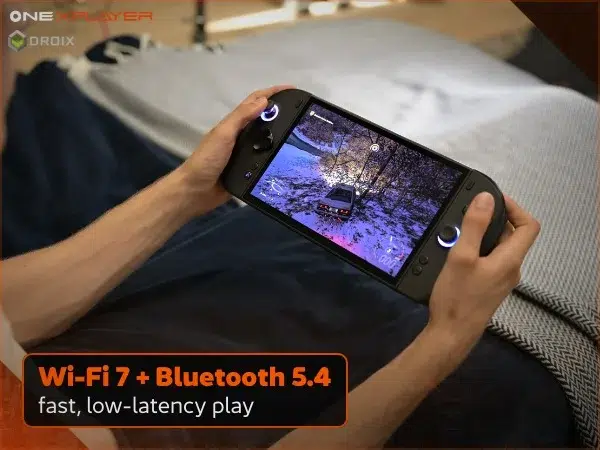
Wi-Fi 7 and Bluetooth connectivity
Wi-Fi 7 supports a modern wireless setup for downloads, online play and streaming on a compatible network. Bluetooth connects suitable peripherals without another cable. Connection quality and latency depend on your router, signal and accessories; the wireless hardware alone does not guarantee a particular gaming experience.
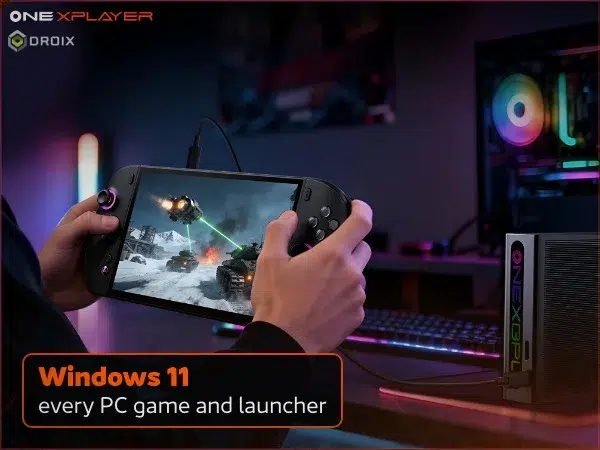
Windows at home or on the desk
Windows 11 Home lets the ONEXPLAYER 3 move between gaming and everyday PC tasks. Use your preferred compatible launchers and applications, with keyboard and mouse input when it suits the job. Individual games may require particular hardware, accounts or anti-cheat support, so check their requirements before buying.
Two USB Type-C 4 ports, USB-A 3.2 Gen 2 and a 3.5mm headset jack support a wider setup. Compatible USB4 peripherals can extend the device at a desk, while docks and accessories help connect the equipment you use. Check the requirements of any external display, dock or GPU before choosing it.
A handheld that adapts to your setup
The ONEXPLAYER 3 brings a high-refresh AMOLED display, detachable controls and configurable PC storage into one Windows device. It is a flexible choice for handheld gaming, tablet use and a more conventional desk setup. Select the RAM and SSD option that fits your needs, then build around the controls and connections you actually use.
 Add to basket